
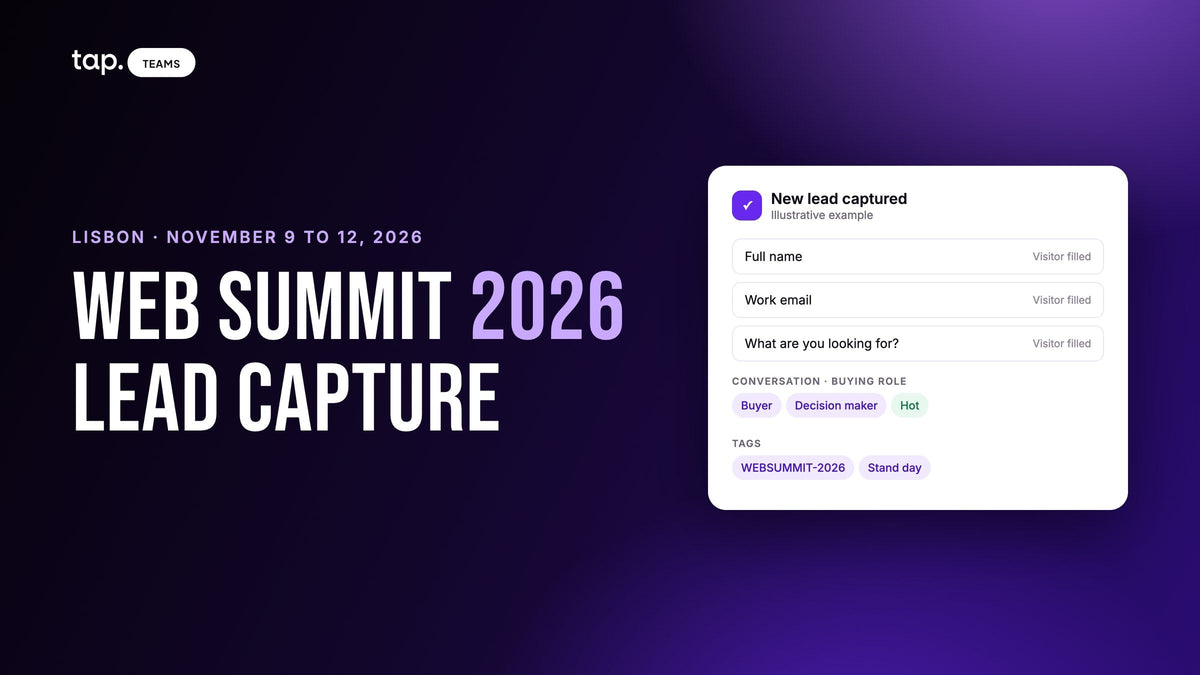
Web Summit 2026 runs November 9 to 12 in Lisbon, at MEO Arena and FIL. It opens with Opening Night on Monday, November 9, and three days of talks, stands and meetings follow. This is a lead capture plan for Lisbon: what to book before you fly, how to capture and sort leads on the floor, and how to follow up afterward.
Web Summit isn't a trade show with a fixed set of stands. Much of the floor is startups, and the organizer's startup program gives each one exhibition space for a single day. Around them are partner stands, investors with their own meeting area, and an evening program that runs into the city. The people you meet split into buyers, investors and partners, and your capture has to tell them apart before they all blur into one long week.
Web Summit 2026 at a glance
Everything below comes from Web Summit's own pages, checked on October 12, 2026. The organizer's pages don't give daily opening hours yet, and the venue map will be in the mobile app.
| Web Summit 2026 | |
|---|---|
| Dates | November 9 to 12, 2026 (Monday to Thursday) |
| Shape | Opening Night first, then three days of talks, exhibition and meetings |
| Venue | MEO Arena and FIL, Rossio dos Olivais, 1990-231 Lisbon. Oriente metro station is about 300 meters from the arena |
| Registration | Terminal 1 at Lisbon airport, or Pavilhão de Portugal next to the venue. You need your ticket and photo ID |
| Tickets | Every ticket covers all days; there are no one-day passes. Over-18s event |
| Organizer app | Required. It holds your ticket QR code, lets you request meetings, and exports your confirmed connections |
| Evenings | Night Summit, included with every ticket: onsite at Pavilion 5, then Time Out Market (November 9), Cais do Sodré (November 10) and Príncipe Real (November 11) |
| Exhibition space | Sold out for 2026, per the partners page |
| Official site | websummit.com |
The venue essentials page covers the address, bags and what you can't bring in. The registration page covers where to collect your lanyard and wristband, which you wear every day.
Who you'll meet, and who's exhibiting
Partners are established companies with their own stands. Startups come through a selection process with three tiers: ALPHA for pre-investment and early-funded companies, BETA for startups that have launched (often returning alumni), and GROWTH for companies expanding globally. The organizer's explainer on how it picks startups lists what selected companies get, including three passes for the three-day event and exhibition space for one day.
Investors come on accredited tickets, which require proof of recent investments. They get a meeting area and pre-scheduled 15-minute meetings with selected startups. Meetups of 25 to 55 minutes run on the show floor by day and as part of Night Summit.
For lead capture, that means three different conversations on the same aisle:
- A buyer wants to know whether you solve their problem, what it costs and who else uses it. This is a sales lead.
- An investor wants your traction, your round and your team. That's worth tracking, but it doesn't belong in the sales pipeline.
- A partner, reseller or integration prospect wants to know whether you fit their product or their customers. That goes to whoever owns partnerships.
If you're a startup, all three will stop at your small stand on the same afternoon. If you're a partner, the reverse happens: plenty of the people who stop are startups who want to sell to you. Either way, the sorting has to happen at capture, because a week later nobody remembers which of the forty people on Wednesday was the investor.

Before Lisbon: book the meetings, set up the capture
Find out your exhibition day
If you're in the startup program, your stand is up for one day of three. Everything else hangs off that date: buyer meetings at the stand on that day, investor meetings on the other two. With exhibition space sold out, teams without a stand work the app, the meetups and the evenings instead, and the rest of this plan still applies.
Book meetings in the app now
The app's Discovery section shows attendee profiles: name, job title, company, industry and country. On any profile you can tap "Request a meeting" and add a name, time, location and details; accepted meetings land in your personal schedule. Fill in your own profile first, because it's what people see when your request arrives. Then pick meeting spots you can find on a crowded day, and expect people to be late.
Decide the form fields and the tags
Keep your capture form to four to six fields: full name, work email, mobile, job title and company, plus one custom question such as "What are you looking for at Web Summit?" Our guide to lead capture form design explains which fields earn their place. Don't make visitors type the event name. Agree one event tag, something like WEBSUMMIT-2026, plus a tag for investors and one for partners, and apply them afterward.
Test the CRM before anyone flies
Capture one test lead from each rep's phone and check it lands in the CRM under the right owner. A rep who signs into the capture app with a personal address and into the CRM with a work address will see every lead filed under the default owner. Decide where investor and partner contacts go, too; a sales CRM full of fund partners makes the pipeline look healthier than it is.
Split the team
If you're a startup, three passes don't stretch far across four days. Decide who works the stand, who takes the booked meetings, and who goes to the meetups that match your buyers. On a one-day stand, two people at the stand all day beats a rotation where nobody knows what was promised an hour ago.
On the floor: capture and sort in under a minute
What the organizer's app gives you
Your ticket is a QR code in the app. You scan it at registration, and you can also let another attendee scan it to swap contact details. Connecting shares your email address. After the event you can download your confirmed connections from the attendee hub at attend.websummit.com/lis26, under Discovery; pending connections aren't included.
That's a useful contact swap. It doesn't record what the person needs, whether they're a buyer or an investor, what you promised, or which rep owns them in your CRM. So connect in the app, and capture the conversation in your own system as well. We've written about how event lead retrieval works if you're weighing the two.

Your stand day
Startup stands are small and the aisles move fast, so the capture has to take seconds. Share a QR code or tap, let the visitor fill in the form on their own phone, then spend fifteen seconds on what only you know: buyer, investor or partner, and one line in your own words. "Head of ops at a logistics firm, piloting in Q1, wants a call with our CTO" is worth more than a name and an email.
When a group gathers around a demo, put a QR code on the screen or the stand banner and let them scan it while you talk. Several people can scan the same code at once.
Qualify buyers, tag everyone else
For a buyer, record their buying role: decision maker, influencer, end user or gatekeeper. That's the field that separates the person with budget from the person collecting ideas for their boss. For investors and partners, the buying role doesn't apply, so use the tag and the one-line note. "Seed fund, wants the deck and our Q4 numbers" is the whole follow-up.
Booked meetings
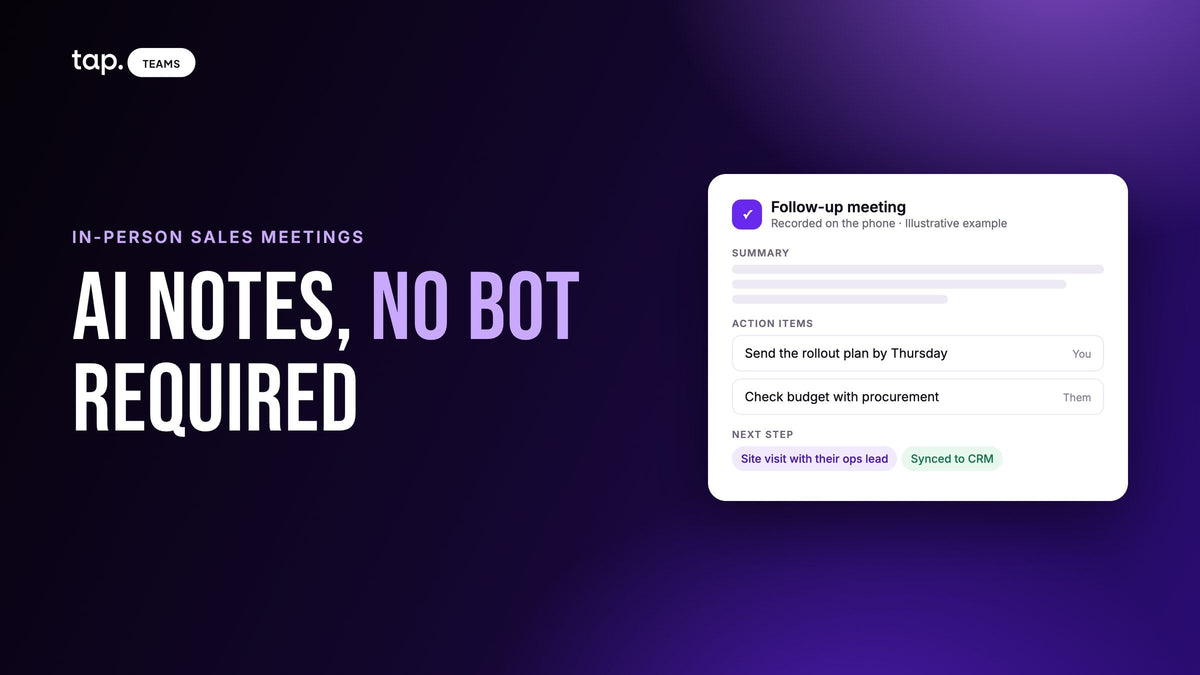
Treat a meeting booked through the app like any other conversation: capture it on the spot while the details are fresh. If the meeting matters, ask whether you can record it, tell the other person before you start, and put the phone on the table between you. Our piece on AI notes for in-person meetings covers how to do that without a bot in the room.
Plan for patchy signal
The organizer says event wifi is freely available throughout the MEO Arena and asks attendees not to run personal hotspots; hotspot devices other than phones aren't allowed in. It says nothing about coverage in the FIL halls, so assume signal at the stand will be patchy. Capture a test lead at the venue before your stand day. Know where your app's offline sharing screen is, make sure captures queue and sync once the phone reconnects, and bring a battery pack.
Evenings count
Night Summit starts onsite at Pavilion 5 and then moves into the city: Time Out Market on Monday, Cais do Sodré on Tuesday, Príncipe Real on Wednesday. Evening conversations are the ones least likely to be captured, because it's dark, it's loud and your phone is at 10%. Capture before the second drink and write the one-line note before you leave.
Review every night
Spend fifteen minutes each evening on the day's captures. Fill in missing buying roles, fix the tags, and send anything you promised that you can send from a phone. By Thursday, Monday's notes are the only thing you'll remember Monday by.
After Lisbon: follow up before the blur sets in
Everyone you met also met plenty of other people that week. A follow-up that names the conversation ("you asked about the pilot in Portugal") gets read; a generic "great to meet you at Web Summit" gets archived with the rest.
Download your confirmed connections from the attendee hub and bring them into your CRM next to your own captures, matching on email so the same person doesn't turn up twice. Apply the event tag in bulk: filter by the event dates, select the leads, tag them. Then split the list by type.
Sort the buyers by score and start at the top. A lead with a mobile number, job title, corporate email and a decision-maker buying role sits well above one with a name and a free email address; the lead scoring guide covers how to score event leads. Investors get the deck or the numbers you promised, with a second meeting proposed while they still remember the stand. Partner contacts go to whoever owns partnerships, note attached, with one person agreed as the one who replies.
Before each call, read the note. A score is built from the fields, and it can't hear that someone said "we're choosing a vendor in January." Then check that the promises turned into tasks with owners, and look again a week later. The general method is in our trade show lead capture guide.
A plan you can copy
| When | What to do |
|---|---|
| Now to late October | Confirm your exhibition day if you're a startup. Fill in app profiles and start requesting meetings. Decide form fields, the custom question and the three tags. Test CRM sync from every rep's phone. |
| Early November | Fix the meeting schedule around the stand day and split the team. Find the offline sharing screen on every phone. |
| Monday, November 9 | Register at the airport or Pavilhão de Portugal. Capture a test lead at the venue. Opening Night, then Night Summit. |
| November 10 to 12 | Stand day and booked meetings. Capture, sort into buyer, investor or partner, write one line. Review every evening. |
| From November 13 | Download confirmed connections and merge them. Tag in bulk, split by type, call the top buyers first. Check follow-up completion a week later. |
Exhibiting in Dubai later in the year as well? The Big 5 Global plan follows the same shape for a four-day trade show.
How Tap handles this
Tap is a lead capture app your team carries on their own phones. They share a profile by NFC tap, QR code or link, and the visitor fills in your form in their browser with nothing to install; the lead exists the moment they submit. An admin can put every rep on one template so the whole team collects the same fields, custom question included. When someone hands over a card or wears a badge, the scanner reads business cards, QR codes and event badges and shows the rep what it read before saving.
For a hall with weak signal, there's a share without internet mode that shows a QR code with no connection at all, and captures made offline sync when the phone reconnects. The sharing docs explain where to find it.
Right after a lead is saved, the app asks for the buying role, which feeds a quality score out of 100 shown as Hot, Warm or Cold; the scoring docs list every weight. Reps can add a note, or record a meeting and get a summary, buying signals, objections and action items, and the action items become follow-ups. Leads go to Salesforce, HubSpot, Zoho, Pipedrive, Veeva Vault or Odoo, or to other tools through Zapier, owned by the rep who captured them, and Slack can post an alert for hot leads. If your connections download is a spreadsheet, Tap imports CSV and Excel files and flags duplicates against the leads you already hold, and leads that arrived as a name and a phone number can be filled out with lead enrichment, automatically if they score above a level you choose.
See how Tap's lead capture works, or book a free demo and we'll walk through a Web Summit setup with you.
Related reading
- Lead capture form design: how to build one people actually finish
- Lead retrieval for exhibitors: how it works and how to choose an app
- Lead scoring: how to score leads you meet in person
FAQ
When is Web Summit 2026?
November 9 to 12, 2026, in Lisbon. It opens with Opening Night on Monday, November 9, then three days of talks, exhibition and meetings, with Night Summit on the Monday, Tuesday and Wednesday evenings.
Where is Web Summit Lisbon 2026 held?
At MEO Arena and FIL, Rossio dos Olivais, 1990-231 Lisbon. Oriente metro station is about 300 meters from the arena. You can register at Terminal 1 of Lisbon airport or at Pavilhão de Portugal, next to the venue.
How long do startups exhibit at Web Summit?
One day. Web Summit's startup program includes exhibition space for one day, three passes for the three-day event, and access to activations such as PITCH and Startup Showcase. Plan buyer meetings for your stand day and investor meetings for the other two.
How do you get leads at Web Summit?
Book meetings in the app before you fly, capture each conversation on your own phone while the person is still in front of you, and mark it buyer, investor or partner with a one-line note. Afterward, merge your downloaded app connections with your own captures, tag them and follow up by type.
Does the Web Summit app scan leads?
The app holds your ticket as a QR code, and other attendees can scan it to swap contact details with you. You can download your confirmed connections from the attendee hub after the event. It doesn't record buying role, notes or a CRM record, so most teams use it alongside their own lead capture app and merge the two afterward.


Leave a comment
This site is protected by hCaptcha and the hCaptcha Privacy Policy and Terms of Service apply.