

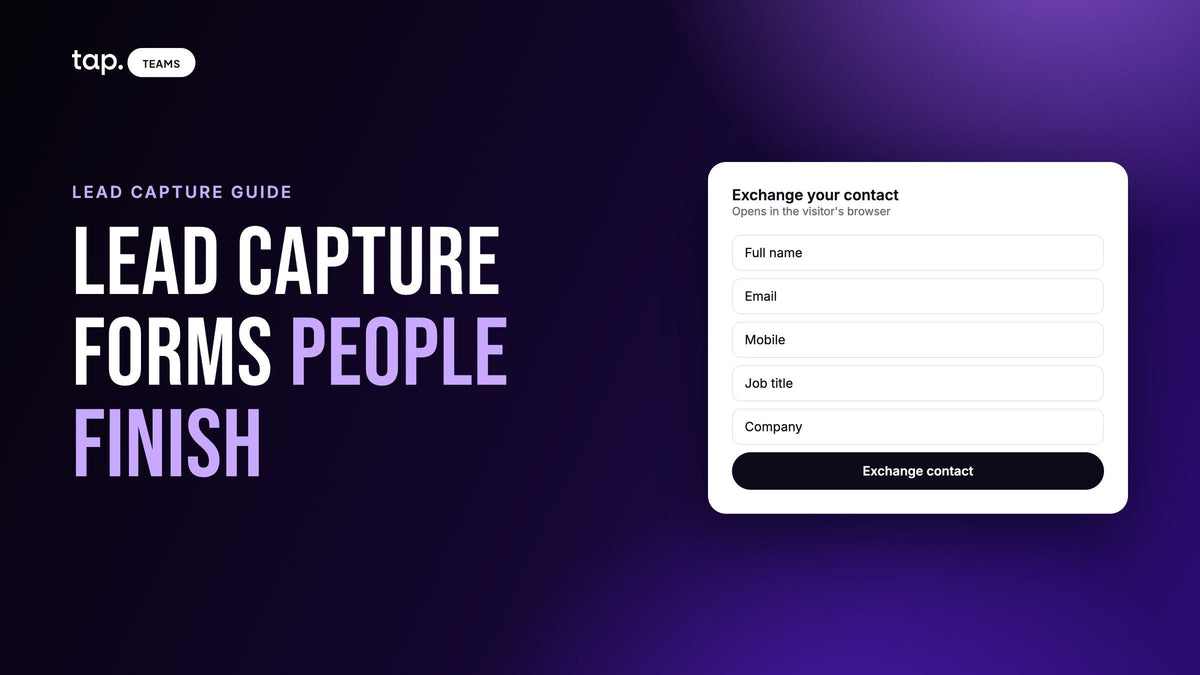
A lead capture form is a short form that collects a prospect's contact details, and sometimes a qualifying answer or two, so your team can follow up. Most of them live on websites. At events and in field sales, the same form opens on the prospect's own phone after they tap a rep's NFC card or scan a QR code.
The short answer to designing a good one: four to six fields, contact details first, any free-text box last, standard fields your CRM already understands, and everything else left to enrichment and tags. This guide explains why, with the harder case in mind: a stranger in a noisy exhibition hall, half-listening to your rep, typing with one thumb.
Types of lead capture forms
On websites you'll mostly meet embedded contact or quote forms, pop-ups that appear on scroll or exit, landing pages built around one offer, multi-step forms that ask a question or two per screen, and demo requests, which ask for more because the visitor expects a sales call.
In person it's a different list. There's the paper sheet on a clipboard, the rep typing into a tablet, and the form the visitor fills in on their own phone, opened by an NFC tap, a QR code or a link. And there's capture with no form at all, where the rep scans a business card or an event badge.
Why an event lead capture form is harder
Someone on a website form is usually sitting down and can come back tomorrow. Your booth visitor is standing, probably holding a coffee and a tote bag, talking to your rep while they type. The hall network is struggling because everyone else in the building is on it too. And there's no second visit. Once they lock the screen and walk to the next stand, that lead is gone.
So the form gets pulled two ways. Your team wants enough to judge whether this person is worth a call, and the visitor wants it over with. When those conflict, I'd side with finishing every time. A short record that got submitted can be filled in later. An abandoned one can't.
Who types it: the visitor or the rep?
When visitors type on their own phones, the data is cleaner. People rarely misspell their own email address, and your rep keeps talking instead of taking dictation. The catch is that you're asking a stranger for effort, which is exactly why the form has to stay short.
Rep-typed forms suit field visits where the other person won't pick up their phone, but they're slower and every detail passes through someone else's fingers.
Most teams end up splitting the job. The visitor enters the facts only they know for sure: name, email, phone, job title, company. The rep adds the judgment calls later, like what role this person plays in a purchase and what was actually discussed. Don't put "Are you the decision maker?" on a form a stranger fills in. They'll skip it or tick yes, and your rep, who just had the conversation, is far better placed to answer.
How many fields should a lead capture form have?
Four to six for an event or field form. I'd treat six as a ceiling you don't reach casually.
Every field is a small decision for someone distracted. A few are fine. Past that, the form feels like paperwork, and paperwork is what people abandon.
Website demo requests can carry a little more because the visitor is sitting down and expects to be qualified. If stakeholders want more than six on an event form, their questions belong in enrichment, tags or the rep's notes.
Which lead capture form fields earn their place
My test: can only the visitor give you this reliably, and would it be hard to get later? Contact details pass easily. Most company facts fail.
If your team scores leads, the fields also decide how a lead ranks the next morning. Tap's published scoring model makes a handy illustration, because it scores purely on what was captured:
| Field | Why it's worth asking | Points in Tap's score model |
|---|---|---|
| Phone (mobile or work) | Fastest route to a follow-up call, and hard to find later | +20 |
| Job title | Shows seniority at a glance | +15 |
| The default follow-up channel, and where enrichment starts | +10, plus +20 for a corporate domain | |
| Company | Groups leads by account and flags existing customers | +10 |
Phone is worth as much as email and company put together, so a form without it caps every lead's score before anyone opens a record. Job title counts for more than it looks. When nobody has recorded a buying role and enrichment hasn't found anything, the model judges seniority from the title, so a blank one costs the lead twice. The lead scoring guide walks through the whole model.
Add a name and you have five fields, which covers what most B2B teams need. If one has to go, make it company. You can often work it out from a corporate email domain.
A note on names
Many forms have one "Full name" field, while many CRMs store first and last name separately, usually by splitting on the first space. That breaks for lots of names common across the Middle East and South Asia, where a name has several parts and the family name isn't just whatever follows the first word. If that's your market, ask for first and last name as two fields.
What to leave off the form
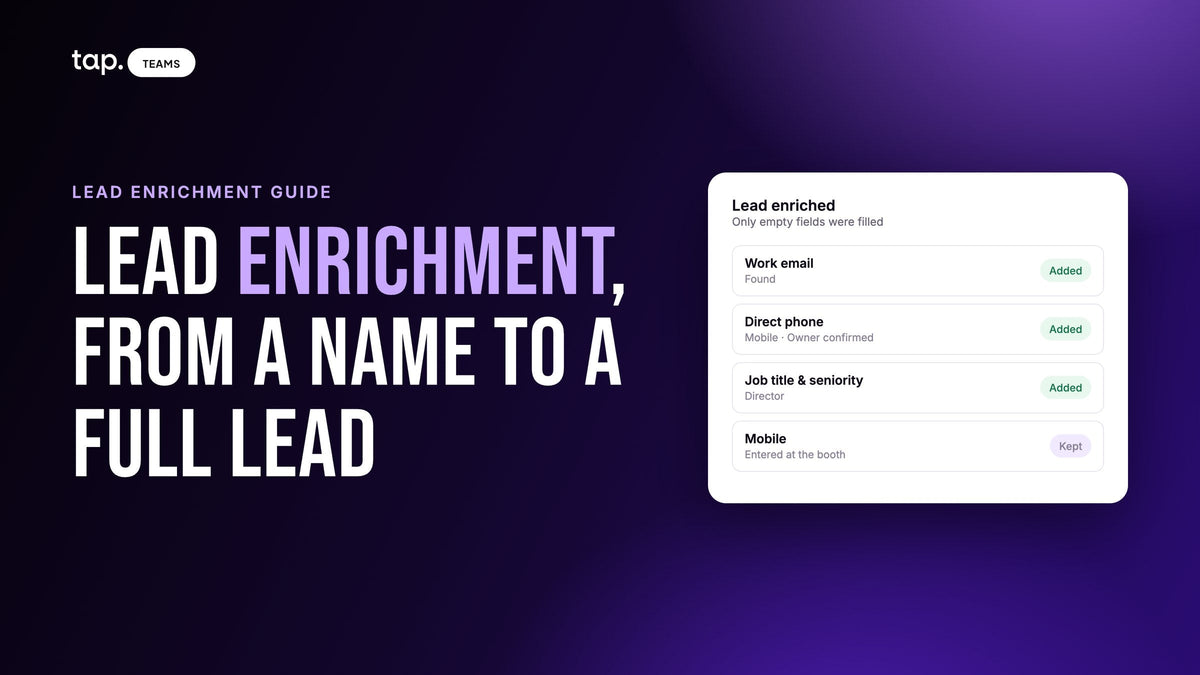
Company size, industry and location can usually be filled in afterward from a work email. That's what enrichment does: it looks the person up and adds company details and seniority without the visitor typing a word. The lead enrichment guide covers how.
Don't ask which event they're at. A free-text event field gets you a dozen spellings of the same conference by lunchtime. Tag the leads in bulk afterward, with a tag name everyone agreed before traveling, in a fixed shape like event-city-year.
Budget and timeline questions matter, but a stranger on a form won't answer them honestly, so leave them to the rep. Anything someone wants because you "might need it someday" goes too.
Field order: contact details first, notes last
People give up partway through forms, so order the fields to leave you with a usable lead wherever they stop:
- Name
- Phone
- Job title
- Company
- Any free-text field: a note, a message, "anything else?"
Free text is where people stall. On a phone, "Tell us about your project" reads like a request for a paragraph. Put it last and someone who bails there has already given you what matters.
Designing a lead capture form for a phone
Nearly every in-person form is filled in on a phone, and plenty of website forms are too. The details that matter most:
- Use one column. Two fields side by side on a narrow screen mean tiny boxes and mistyped emails.
- Put labels above the fields. Placeholder text vanishes once you start typing and leaves people guessing which box they're in.
- Give each field the right keyboard, so email brings up the @ sign and phone brings up the number pad.
- Keep the page light. Big images and heavy scripts crawl on a hall network.

Multi-step forms can help a long demo request. For a five-field event form I wouldn't bother, since every extra screen is another load on a bad connection.
Better still is a form that's already filled in. If the visitor is a returning contact, show what you have and let them correct it, with whatever they type winning over the stored value.
The headline, the button and what happens after
Landing pages need an offer to earn an email address. At a booth the offer is usually the conversation: they want the brochure or a follow-up visit. Say that at the top. "Leave your details and we'll send the spec sheet today" does more work than a logo and "Contact us."
The button should say what happens, too: "Send me the spec sheet" beats "Submit."
Add one plain sentence on what you'll do with their details and link your privacy policy. Some industries and countries have specific consent rules, so if you're in one, get the wording signed off by compliance before the event.
Then use the confirmation screen to say what arrives and when, and make sure it does. Someone still waiting for a spec sheet the next day has already started forgetting your stand.
Custom lead capture questions, and what they cost
Most teams want at least one question no standard form has: which product line someone's interested in, which clinic they work at, whether they'd like a visit. That's often where the qualifying value sits, and a good custom lead capture form has one or two of them.
You pay for each one in the CRM. Email, phone and company map to your CRM's standard properties more or less on their own. A custom field has no fixed meaning, so nothing can guess where it goes. Someone has to create the matching CRM property before the event, map the field to it by hand, and make sure the types match. Free text pushed into a CRM dropdown or date field often gets rejected, sometimes taking the whole record with it.
So use a standard field wherever one fits. A custom "Work email" field does what the built-in email field does, except it needs manual mapping in every CRM you connect. And keep only the custom questions that change what your team does next. A product-interest question that routes the lead to the right specialist earns its space. "How did you hear about us?" asked at your own booth doesn't.
Add a custom field mid-campaign and earlier leads may need a re-sync to reach the CRM. The piece on leads, contacts and opportunities covers what should happen once they arrive.
Labels versus field keys: the mistake that breaks CRM sync
Almost every form builder gives a field two identifiers. The label is the text the visitor reads, such as "What's your work email?" The key (also called the name, field ID or API name) is what the answer is stored under, and it's what your CRM mapping points at.
Reword or translate the label as often as you like. Change the key and the form keeps collecting answers while every mapping that pointed at the old key stops matching. There's no error, and nobody notices until someone finds a field that's been empty for weeks.

Pick keys once and leave them alone. If you really must change one, re-check the mapping that day, capture a test lead and read it in the CRM field by field.
Three example lead capture forms for field teams
These are starting points to argue with. Swap the custom questions for whatever routes a lead in your business.
| Team | Fields, in order | Why it's built this way |
|---|---|---|
| Pharma rep visiting clinics and hospitals | Full name, email, mobile, hospital or clinic (custom), specialty (custom), note | Hospital and specialty decide who follows up and with what. Job title says little when everyone is a doctor. Check with compliance which fields and what consent wording you need. |
| Real estate sales at a project launch | Full name, mobile, email, buying or renting (custom), unit type or budget band (custom), note | Buyers are consumers, so job title and company tell you little. The two custom questions route the lead to the right agent and inventory. |
| Industrial equipment at a trade show | Full name, email, work phone, job title, company, product line (custom) | The standard fields carry most of the qualification, and product line sends the lead to the specialist who can quote. No note, because reps log the conversation themselves. |
The real estate form skips fields that a scoring model built for business buyers rewards. That's fine. Score what matters for how you sell.
One form for the whole team
Leave reps to their own forms and they drift. One adds a field, another quietly drops phone because "people don't like giving it," and a quarter later your reports don't line up.
The usual fix is a team form set by an admin through a template or shared profile that overrides each rep's version. A score then means the same thing whichever rep met the lead, and you maintain one CRM mapping instead of one per rep. The trade show lead capture guide covers running the booth this way.
Tell reps the team form exists, or someone will edit their own, see nothing change and decide the tool is broken.
Test the form where you'll use it
A website form can be A/B tested over weeks. An event gives you one shot.
Before you travel, fill the form in on a couple of different phones, then open each lead in your CRM and read every field, custom ones included. Check that the traveling team has CRM access, because a team without it captures leads perfectly and syncs none of them. Check whether your CRM requires a property the form never sends, which can fail every sync. Confirm the event tag.
When you arrive, capture one real lead on the venue's network from a phone that isn't yours. Crowded halls surface problems your office never will.
Afterward, look for fields that came back empty on most leads. Either people skip them or they aren't syncing.
When the form isn't an option: fallback capture
Some people hand you a paper card or flash a badge and move on. Some conversations end before anyone gets a phone out. For those:
- Scan the business card, and read what the scanner extracted before you save. An email misread by one character is a lead you can never reach.
- Scan the event badge where badges carry cleaner data than the cards people hand out.
- Type in what you have. A name and a phone number beat nothing.
I'd still keep scanning as the backup. A form the visitor filled in has no reading errors and answers your custom questions, so take the card and ask them to fill in the form too.
How Tap handles this
In Tap, the lead capture form is what a visitor sees after tapping a rep's card, scanning their QR code or opening their profile link. It opens in the browser with nothing to install, and the lead exists as soon as they submit.
A new account starts with four fields: full name, email, mobile and a note, with the note last. Built-in fields such as email, job title, company name and the phone types have reserved keys that map to your CRM's standard properties. Custom questions get a key generated from the label when the field is created, so rewording the label later leaves the key, and your mapping, alone. You map custom fields to CRM properties by hand.
Admins set team forms through templates, which override each rep's own form. Visitors who are Tap users see the form prefilled from their profile, and what they type wins. When a form isn't possible, reps can scan a business card, QR code or event badge, or add the lead by hand.

The docs cover lead capture forms, collecting leads in the field and field mapping. To see it with your own team's form, look at Tap for teams or book a free demo.
FAQ
What fields should a lead capture form have?
For events and field sales, start with full name, email, phone, job title and company. Add a custom question only if it changes what your team does next, such as product interest. Company size, industry and location can come from enrichment.
How many fields should a lead capture form have?
Four to six for a form filled in on a phone at an event, with six as the ceiling. Website demo requests can stretch a little further because the visitor is sitting down and expects to be qualified.
What's the difference between a lead capture form and a lead generation form?
Most people use the terms for the same thing. "Lead generation" sometimes means the wider effort of attracting prospects, and the capture form is the step where their details get recorded.
Should an event lead capture form be multi-step?
Usually not. Multi-step can make a long website form feel lighter, but at an event each extra screen is another load on a busy network and another chance for someone to walk away.
Why did my custom form field stop syncing to the CRM?
Usually because the field's key changed. CRM mappings point at the key, so changing it breaks the mapping silently while the form keeps collecting answers. A type mismatch or an unmapped custom field are the other usual causes.

Leave a comment
This site is protected by hCaptcha and the hCaptcha Privacy Policy and Terms of Service apply.