
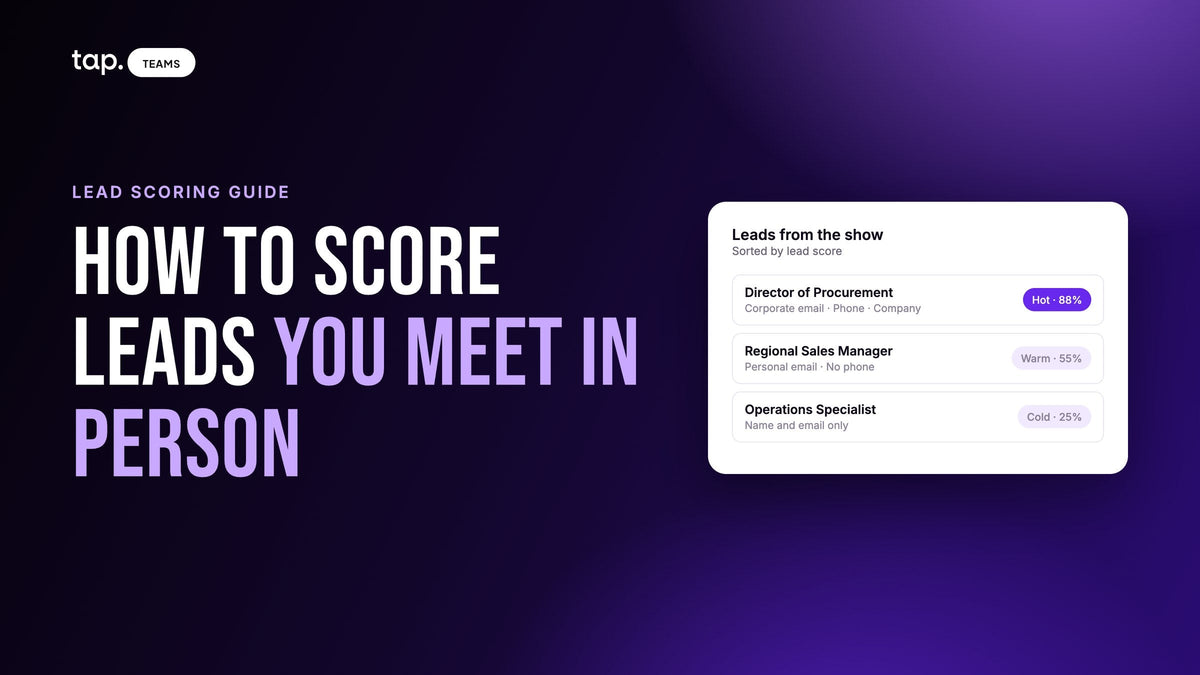
Lead scoring is the practice of giving every lead a number, usually out of 100, based on how closely they match the customers you win and how much buying interest they've shown. The number puts your leads in order. Sales works the top of the list first, and the rest go into a follow-up sequence or get left alone.
Most lead scoring advice comes from marketing teams and scores behavior: opened three emails, visited the pricing page, came back twice this week. That's no help with the director your rep met at a booth on Tuesday, who has no click history and won't have any until well after you should have called. This guide covers how scoring works and how to build a model, with most of its attention on the leads you meet in person.
What lead scoring is for
A lead score answers one question. Who do we call first?
Picture the Monday after a three-day trade show. Say there are 200 new leads in the CRM and four reps to work them. Nobody can give all 200 the same attention on the same day, so something decides the order. Without a score, it's usually the order the leads were scanned in, and the director who stopped by on the first morning gets a call sometime next week.
Every scoring model has three parts. Inputs are the facts you look at, like job title or email domain. Weights say how many points each input is worth. Thresholds turn the number into a tier such as hot, warm or cold, with an action attached to each. Most broken models are broken at the thresholds: a very precise number that nobody acts on.
Lead scoring vs lead qualification
Qualification is a judgment about one lead, usually made in conversation. Is there a need, a budget, a timeline, and does this person have the authority? That's the old BANT checklist. Scoring is a rule applied to every lead the same way, so you can sort hundreds at once. The score gets the list in order, and qualification is what the rep does once they're on the phone. You'll also see "lead grading," which usually means a letter for fit kept separately from a number for interest.
Types of lead scoring
Most working models mix at least two of these.
Fit scoring (explicit data)
Fit scoring looks at who the lead is: job title, seniority, company, industry, size, whether the email is on a company domain. It's called explicit because the lead gives it to you, usually on a form. In B2B it tells you whether this is the kind of person, at the kind of company, you actually sell to.
Behavioral scoring (implicit data)
Behavioral scoring looks at what the lead does, like email clicks, page views, webinar sign-ups or a demo request. Marketing automation is built around it, and for inbound leads it's often the best signal you have. It also goes stale. A pricing page visit last week means more than one from six months ago, so most behavioral models knock points off as activity ages.
| Behavioral scoring | Fit scoring | |
|---|---|---|
| What it measures | What the lead does: opens, clicks, visits, downloads | Who the lead is: role, seniority, company, contact details |
| Where the data comes from | Website and email tracking | The capture form, the business card, enrichment, the rep's own answers |
| When it's available | Builds up over days and weeks | The moment the lead is saved |
| Best suited to | Inbound leads from content and ads | Leads met in person at events and on field visits |
Predictive scoring
Predictive scoring hands the weighting to a model. It looks at which leads became customers and which didn't, works out what separated them, and scores new leads on that pattern. It can find signals nobody would think to add by hand. But it needs a lot of clean history, and it's hard to explain. If a rep asks why a lead scored 41 and the honest answer is "the model said so," expect them to ignore it. For most field teams I'd start with rules anyone can read.
Negative scoring
Negative scoring takes points away, or caps the score, when there's a sign the lead isn't a buyer. Students, job seekers, competitors and suppliers trying to sell to you are the usual suspects. Online, an unsubscribe or a bounced email often triggers it. For leads met in person, the best trigger is the rep. If the rep has decided someone isn't part of any purchase, a complete record and a company email shouldn't be able to push that lead back up the list.
Some teams also score whole accounts, adding up signals across everyone they know at a company. It's worth doing once your person-level score works. Start with the person.
Why most scoring advice breaks down for leads you meet in person
Behavioral scoring assumes a trail. Someone reads an article, downloads a guide, opens a few emails, and the score climbs until sales gets a notification.
A lead from a trade show or a field visit arrives the other way round. The most important interaction already happened, face to face, and none of it was tracked. There's no page view for "spent fifteen minutes at the booth asking about delivery times." Some click data may turn up once they open your follow-up email, but by then the best moment to call has gone.

So you score two things: what was captured, and what was said. The captured data is there the moment the lead is saved. What was said is the richest signal you'll get, and it sits in the rep's head until somebody writes it down. Every input has to be something a rep can capture in the minute after a conversation, on a form that asks for it, and the rep's judgment needs a way into the score.
B2B lead scoring criteria for field and event leads
I'd score these, roughly in order of how much each one tells you.
Can you reach them?
A record with a phone number, email, job title and company is something a rep can act on tomorrow morning. A first name and a scribbled note is a memory. Weight fields by how much they help the next conversation. Phone usually earns the most, since a rep with a number can call from the parking lot. Scoring completeness also teaches reps something each time they see a low score: the field they skipped cost them.
Is there a real company behind them?
An email on a company domain tells you the person works somewhere real and lets you tie them to an account in your CRM. A gmail address isn't a bad sign on its own. Some senior people hand out a personal address at events because work mail is locked down on their phone. It's weaker evidence, though, so most fit models give a bonus for a corporate domain and nothing for a free one. That has a side effect I'll come back to.
Can they move a deal?
Seniority is the strongest single signal of whether someone can start a buying process. A director usually can. A junior specialist usually can't, however keen.
Titles only get you part of the way, since a "manager" at one company runs a department and at another runs a spreadsheet. The better source is the rep, who can record the person's buying role after the conversation:
- Decision maker, who can approve the purchase.
- Influencer, who shapes the decision without signing it off.
- End user, who will use what you sell but doesn't choose it.
- Gatekeeper, who controls access to the people who decide.
- Not relevant, meaning they aren't part of any purchase you care about.
Keep one seniority slot and fill it from the most reliable source you have. The rep's buying role goes first, since the rep was there. Then seniority from enrichment, which looks up the person's current role, and last the job title on the card. Never add them together, or one fact gets counted several times. Our guide to B2B buying roles covers how to tell the roles apart in a face-to-face conversation.

What did they tell you?
Some teams score BANT-style answers directly, a few points each for a stated need or timeline. That works only if every rep asks the same questions and hears them the same way, and they rarely do. My preference is to fold what the rep learned into the buying role, keep the conversation itself on the lead as notes or a recording, and let the score stay mechanical.
Do they fit your market?
Industry and company size matter if you sell into a defined segment. Nobody wants a questionnaire at a booth, though. If a firmographic field really predicts your deals, make it one quick multiple-choice question on the form, or fill it in later through enrichment.
Who should lose points?
Students, competitors, suppliers pitching you, and people who stopped for the free coffee. Reps can usually tell within a minute. Give them a fast way to say so, and let that answer cap the score.
How to build a lead scoring model, step by step
Step 1: Look at the deals you actually won
Pull your recent closed deals and look at who you first met. What were their roles? How big was the company? Where did the first contact happen? Then look at leads that went nowhere, and find the traits that show up often in the first group and rarely in the second. If you don't have much history, ask your best two or three reps what a good lead looks like and write down what they say.
Step 2: Pick inputs you can capture every time
An input you only have for some leads mostly measures which leads happened to get asked. For in-person leads, stick to what fits on a short capture form or comes back from enrichment: contact details, email domain, job title or buying role, company. Four to six inputs is plenty.
Step 3: Weight them
Give the most points to whatever best predicted a won deal in step 1, and to whatever makes follow-up possible at all. A 100-point scale is the easiest to read, and the arithmetic should be simple enough for a rep to redo in their head. Count each thing once, and cap the total so a lead can't cruise to the top on a pile of minor fields.
Step 4: Set tiers and decide what each one triggers
Three tiers suit most field teams. With more, reps stop remembering what each means. Then write down who calls the hot leads and by when, which sequence warm leads go into, and who checks the cold pile before anything is archived. A tier with no owner won't change what anyone does on Monday morning.
Step 5: Check the model against your capture form
Every input the score rewards needs a field on the form your reps actually use. If a field is missing, no lead from that event can earn those points, and good leads get pushed down a tier. It's easy to miss, because the model tends to get built in a marketing meeting and the form by whoever set up the event. Line them up before every show.
Step 6: Test it on leads you already know
Score the last event's leads in a spreadsheet and show the ranked list to the reps who met them. If the top looks like the people they'd call first, you're close. If they wince at a few, find the input that put those leads in the wrong place and fix it before anyone depends on it.
Step 7: Launch it, and show reps how it works
Publish the rules. A rep who can see that a lead scored low because there's no phone number and a gmail address can do something about it. A rep handed a number from a black box will override it with their gut, and they'll be right often enough to keep doing it.
Thresholds and the handoff to sales
In marketing-led teams, the threshold is the line between an MQL and an SQL. A marketing qualified lead fits the profile and has shown enough interest for marketing to pass it along. A sales qualified lead is one a salesperson has looked at and agreed to pursue.
Field leads mostly skip that, because a salesperson met them first. The score sets the order and speed of follow-up for people who already own the leads, so treat each threshold as a promise. Hot means a same-day call. Warm means a sequence that starts this week. Cold means nurture, or leave alone.
To pick the cut-offs, start with whatever splits your test batch into a short hot list, a bigger warm middle and a cold tail. If most of an event's leads land in hot, the line is too low, and a hot list with everyone on it is just the full list again. Adjust after each event until the tiers roughly match how your reps would have sorted the leads themselves.
Typical B2B lead scoring thresholds on a 100-point scale
There's no industry standard for where the lines go. A 100-point scale is popular because anyone can read it, and many teams split it into three tiers with the handoff line somewhere in the upper half. Where exactly depends on what the points are for. In a fit-first model like the one in this guide, a high line should mean "complete, reachable, and at a real company."
Take Tap's published model as a worked example, where hot starts at 75. A lead with a phone number, job title, email and company on a corporate domain already has 75 before seniority counts, so they're hot. A decision maker who gave a gmail address and no phone still reaches 60 (title 15, email 10, company 10, decision maker 25): warm, and worth a look. Take the job title off that first lead, with no buying role or enrichment result to fill the seniority slot, and it falls to 60 too. That's the point of a threshold. It decides which missing detail costs a lead its same-day call.
Whatever numbers you pick, write them down next to what each tier triggers. "75 to 100: called today" is a rule a rep can follow. "High score" isn't.
What a good handoff looks like
The threshold is only half of it. The other half is what happens when a lead crosses the line:
- One named owner per lead, so nobody assumes someone else called.
- A deadline per tier that sales and marketing have both agreed to, written as a service-level agreement if your company runs on those.
- The context travels with the lead: the notes, the buying role, what the person asked about. A score on its own tells the caller who to ring, not what to say.
- A way back. If a hot lead hasn't been touched by the deadline, it goes back to the manager instead of sitting in someone's queue.
When reps ignore the hot list, it's usually because the threshold is too low and the list is full of people they wouldn't have called anyway. Fix the line before you blame the reps.
How to score trade show leads
Before the show
Settle the form and the model together. For scoring, five fields cover most of it: full name, email, phone, job title and company. If you have to drop one, drop company, since you can often work it out from a corporate email domain later. Our guide to trade show lead capture covers the capture side in more depth.
At the booth
The best time to record a buying role is the half minute after the conversation ends. A week and two events later, it's guesswork. Keep it to one or two quick answers, and let reps skip when the queue is ten deep and come back that evening. Watch the skips, though. If most leads from a show have no buying role, the score is running on job titles alone, and you want to know that before you trust it.
Recording how you know the person, a new contact or an existing customer, helps with sorting. I wouldn't let it move the score. An existing customer isn't automatically a better lead.
Exhibitor lead scoring: what's different at your own booth
When you're the exhibitor, a lot of the people who stop at the booth aren't buyers. Other exhibitors come by to pitch you, students collect brochures, job seekers ask about openings, and the occasional competitor wants a closer look at your demo. Scan them all and they land in the same list as the plant manager you spent ten minutes with.
So give exhibitor leads one extra job: mark the ones that aren't relevant, right after the conversation, and let that mark cap the score. A cap works better than a few negative points, because a student with a complete record and a company-domain email from their internship can otherwise score like a real prospect.
The other difference is where the data comes from. Leads scanned with the organizer's badge app arrive with whatever the attendee typed at registration, in the organizer's format, while leads from your own form or a scanned business card arrive in yours. Score all of them with the same model, and trust the rep's buying-role answer over a registration job title when the two disagree. Our guide to lead retrieval for exhibitors covers the badge side.
The morning after
Back to those 200 leads. Before anyone picks up a phone, the manager sorts by score. The hot tier (the right level of person, a company email, a phone number) gets split between the reps and called that day, top down. The warm tier goes into a sequence before lunch. The manager gives the cold tier one quick pass for anything that landed there by mistake, like a director who gave a gmail address and skipped the job title, and the rest go to nurture.
Without the score, the same four reps do the same amount of work on the same 200 leads. The director from the first morning just waits longer.
A month or two on, check which tier your new opportunities came from. It's the only real test of whether the model works.
Where lead scores go wrong
Every fit-based model has the same few blind spots. Know them before you trust the score with a full event's worth of leads.
The director with a gmail address
A senior buyer gives a personal address, loses the corporate-domain bonus, and drops a tier. It says nothing about the person, and it's the most common reason a lead a rep knows is excellent shows up lower than expected. The buying role is the fix: marked as a decision maker, they get the seniority points back, which closes most of the gap.
The missing job title
Job title gets skipped at busy booths, and it costs twice. It usually carries points of its own, and it's what the seniority slot falls back on when there's no buying role and no enrichment result. Lose both and a lead can fall from the top tier to the bottom. If reps skip one field, it shouldn't be this one.
The score can't hear the conversation
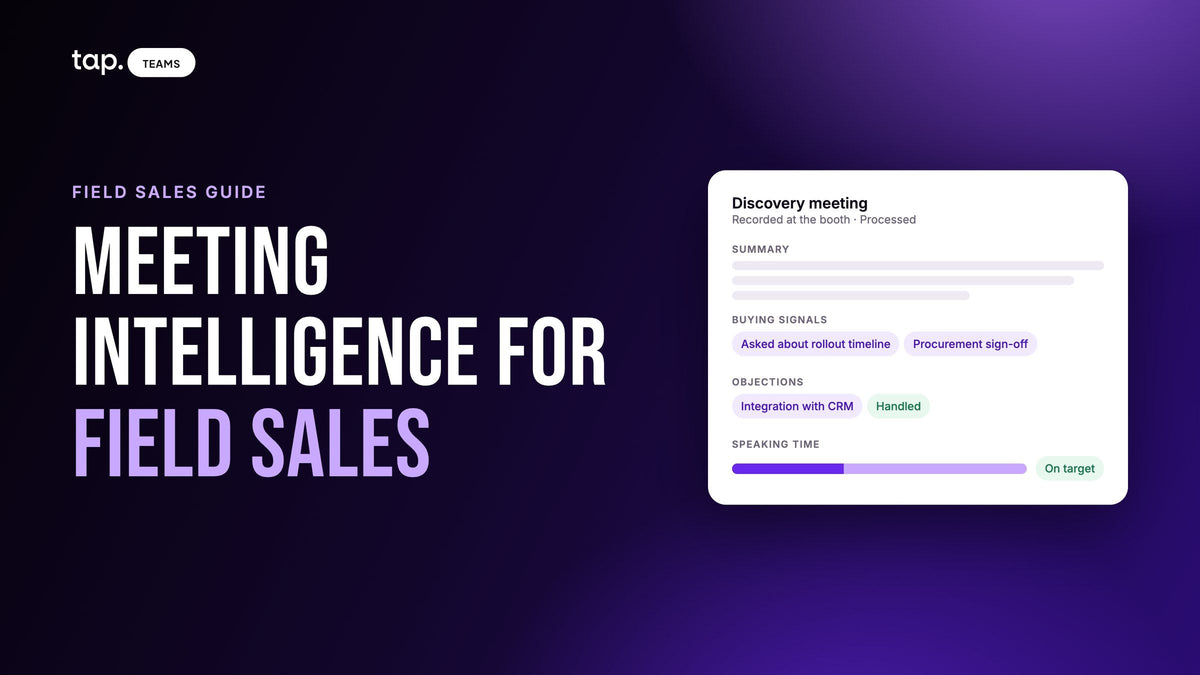
Someone who told your rep they have budget approved and want a demo next week scores the same as someone who took a brochure, if both left the same details. The buying role lets the rep feed some of that back in. The rest belongs in a record of the conversation itself, with the summary, buying signals, objections and action items sitting on the lead so the score gets read next to it. Our guide to meeting intelligence for field sales covers that side.
Reviewing and adjusting your model
A scoring model is a set of guesses about what a good lead looks like, so check them against what happens. After each event, look at the spread. If nearly everything is warm, a heavy field is probably missing from the form. If nearly everything is hot, the score isn't separating anything.
Every quarter or so, look at where your deals started. If good ones keep coming out of the cold tier, find the input that let them down; it's often the email domain or a missing title. And ask reps which leads the score got wrong. When the rules are visible, their answers usually point at one specific field.
Change one thing at a time and tell the team when you do, because a score that shifts quietly under reps' feet stops being trusted. Fit data ages more slowly than click data, but people do change jobs, so re-check the details on leads you're still working.
How Tap handles this
Tap scores every captured lead out of 100, fit-first, along the lines of the model above. The full rules are in the lead quality score docs. There are three parts to it.
- Field completion. A phone number, mobile or work, is worth +20 and counts once. Job title is +15, email and company +10 each, any other filled field +5, and a full location (city, country, street and postal code together) adds +5 once. Links and uploaded files don't add points.
- Email domain: +20 for a corporate domain and nothing for a free address.
- Seniority, up to 25 points, from one slot filled by the first source with an answer: the rep's buying role, then seniority found by enrichment, then the job title. A decision maker earns +25, an influencer +15, an end user +8 and a gatekeeper +5. "Not relevant" earns nothing and caps the whole score at 25.
The total never goes above 100. Hot is 75 to 100 and worth a same-day call. Warm is 40 to 74, for a follow-up sequence. Cold is 0 to 39, to nurture or leave alone.

In Tap Teams the score shows as a percentage with a colored bar, so a manager can sort a long list. In the mobile app it's a Hot, Warm or Cold badge a rep can read at a glance. It's the same score: a lead at 88% in Tap Teams shows Hot in the app.
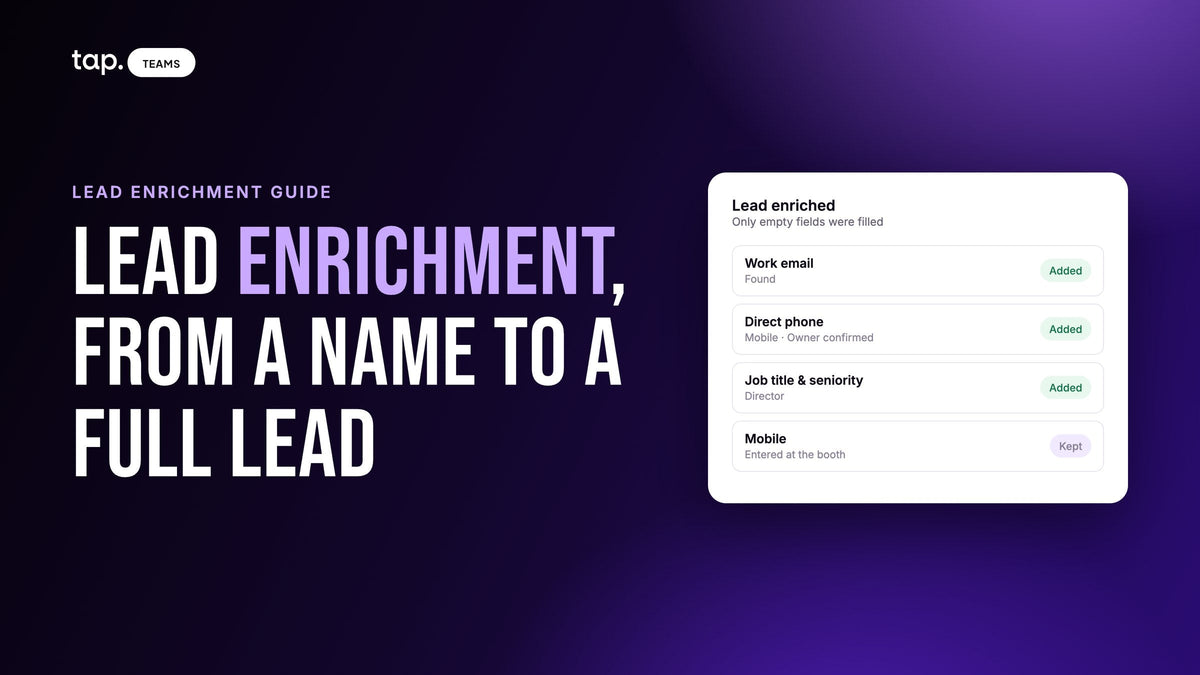
Right after a lead is saved, the app asks for relationship and buying role. Both can be skipped and answered later. Relationship is only for sorting, while buying role takes over the seniority slot, and Team Insights shows how your team answered across all its leads. When no buying role is set, seniority found by lead enrichment fills the slot, and automatic enrichment can be limited to leads above a minimum score so lookups go on the leads worth calling.
To see how it would score the leads your team brings back, look at Tap for teams or book a 30-minute demo.
Related reading
- Lead scoring model example: a 100-point template you can copy
- Automatic lead enrichment: enrich only the leads worth calling
- Lead retrieval for exhibitors: how it works and how to choose an app
- Hot, warm and cold leads: what each means and what to do
- Trade show lead follow-up: which leads to call first, and when
- Buying roles in B2B sales: decision maker, influencer, end user, gatekeeper
FAQ
What is lead scoring in simple terms?
It's a points system for putting leads in order. Each lead gets points for who they are and, where you can track it, what they've done. The total sorts leads into tiers such as hot, warm and cold, and sales calls the top tier first.
How do you score trade show leads?
Score them on fit, because they have no email or website activity yet. Look at how complete the record is, whether the email is on a company domain, and the person's seniority or the buying role the rep recorded. Then sort into tiers and start calling the top tier as soon as the show is over.
What are the most important B2B lead scoring criteria?
For leads met in person, seniority or buying role comes first, then usable contact details (a phone number especially) and a corporate email domain. For inbound leads, add behavior such as a demo request. Take points away, or cap the score, for students, competitors and anyone the rep marks as not relevant.
What is a good lead score?
A score only means something against your own thresholds. In Tap's 100-point model, 75 and above is hot, 40 to 74 is warm, and anything below 40 is cold. Whatever model you use, check the thresholds against which leads turned into deals.
What is the difference between an MQL and an SQL?
A marketing qualified lead (MQL) fits your profile and has shown enough interest for marketing to hand it over. A sales qualified lead (SQL) is one a salesperson has reviewed and accepted. Leads a salesperson meets in person usually skip the MQL stage.
What lead score should trigger a handoff to sales?
Pick the score above which a lead gets a call the same day, and make it high enough that the list stays short. On a 100-point fit model that usually means the lead is reachable, at a real company and at the right level. Tap uses 75. Review the line after every event against which leads became opportunities.
What is exhibitor lead scoring?
It's scoring the leads your team collects at its own trade show booth so the best ones get called first. Booth traffic includes other exhibitors, students and job seekers, so the model needs a quick way to mark people as not relevant and cap their score, alongside the usual fit criteria.

Leave a comment
This site is protected by hCaptcha and the hCaptcha Privacy Policy and Terms of Service apply.