
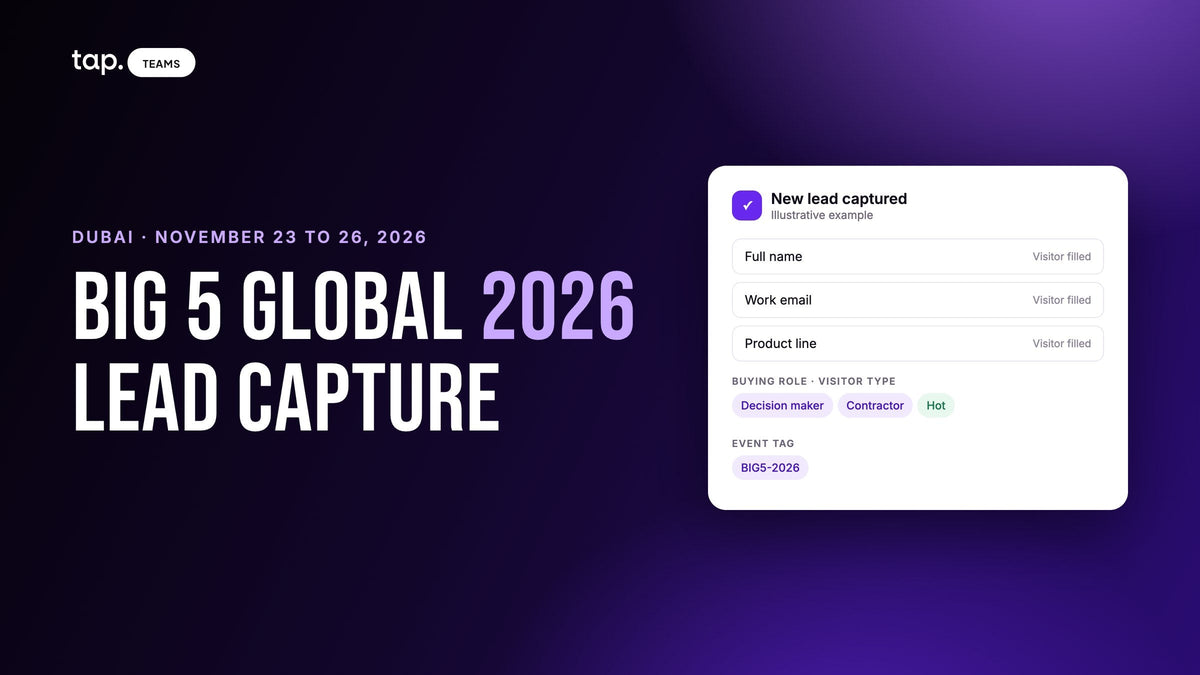
Big 5 Global 2026 runs from November 23 to 26, 2026, at Dubai World Trade Centre. It's four days, Monday to Thursday, opening at 11am on day one. This is a lead capture plan for exhibitors at a construction show: what to set up beforehand, how to capture and qualify in the halls, and how to follow up.
A construction show doesn't behave like a tech show. Stand conversations are about product ranges, specifications, lead times and who represents you in Saudi, and many of the people who stop are distributors rather than end buyers. Your capture has to record which, and your team has to last four full days.
Big 5 Global 2026 at a glance
Every fact below comes from the organiser's site, big5global.com, checked on October 10, 2026. The floor plan names the halls (Halls 1 to 8, Sheikh Saeed Halls 1 to 3 and the Arena) but doesn't map them by sector, so check your exhibitor manual for where your aisle sits.
| Big 5 Global 2026 | |
|---|---|
| Dates | November 23 to 26, 2026 (Monday to Thursday) |
| Hours | November 23: 11am to 6pm. November 24 and 25: 10am to 6pm. November 26: 10am to 5pm |
| Venue | Dubai World Trade Centre (DWTC). The DWTC metro station is on the Red Line, a short walk from the halls |
| Organiser | dmg events |
| Edition | 47th. The first Big 5 was held in Dubai in 1979 |
| Co-located shows | Heavy, Totally Concrete, Marble & Stone World, Urban Design & Landscape, HVACR World, GeoWorld, Future FM |
| Entry | Paid visitor ticket, 21 and over. One ticket covers all four days and all co-located shows |
| Organiser app | Yes. It has a lead scanning feature for exhibitor badge holders |
| Official site | big5global.com |
Who walks past your stand
The organiser describes the show as covering the whole project lifecycle, from building materials to facilities management. The seven co-located shows tell a stand which buyers walk its aisle: Heavy is machinery, plant and vehicles, Totally Concrete is precast, cement and structural materials, and the rest say what they are. GeoWorld and Future FM are in Hall 4 and HVACR World is in the Trade Centre Arena; for the others, see the co-located events page and the floor plan.
The visitor list the organiser gives exhibitors names agents and distributors, architects, consultants, contractors, engineers, facility managers, government and municipality officials, project managers and owners, and property developers. That's two different kinds of buyer on the same aisle: a distributor wants to talk territory, stock and exclusivity, while a contractor wants a unit price, a lead time and a datasheet for a project with a closing date. The Heavy pages say it outright: contractors, developers and project owners come to shortlist machinery, and exhibitors come to build distributor and dealer networks across the region.
The organiser also lists more than 20 country pavilions, so plenty of visitors are travelling teams, and runs an invite-only Trade Connectors' Breakfast for manufacturers and distributors on November 25. If distribution is your goal, ask about it now.
Before the show: set up the capture, not just the stand
Set a target per sector
"More leads than last year" isn't a target. Decide what the CRM should count the week after: distributor conversations opened per country, contractors with a live project, consultants who agreed to a specification meeting. Say five reps aim for twenty qualified conversations each: a hundred leads worth working.
Register every rep for an exhibitor badge
At the last edition, the organiser's exhibitor briefing said badges were mandatory, each exhibitor had to register individually with their own email, and exhibitors must not register as visitors. The 2026 how-to page on lead scanning agrees: you log in to the Big 5 Global app with the email you registered for the event, and lead scanning is a feature inside that app.
Invite the clients you want to see
Visitor entry is paid, but at the last edition exhibitors could invite clients free through a promo code link or visitor vouchers, with the allocation set by stand size; check your 2026 manual for this year's numbers. Invite the distributors and contractors you most want on the stand, with a time, and put it in the rep's calendar.
Decide the form fields now
Keep the form to four to six fields: full name, work email, mobile, job title and company, plus one custom question. For Big 5 that question should be "Which product line are you here about?" with your ranges as the options. Our guide to lead capture form design covers which fields earn their place. Don't ask visitors which event they're at; agree one event tag, something like BIG5-2026, and apply it afterwards. If your team sells in Arabic and English, write the labels in both.
Test the CRM before anyone flies
Capture one test lead from each rep's phone and check it lands in the CRM under the right owner. A rep who signs into the capture app with a personal address and into the CRM with a work address gets every lead filed under the default owner. If you sell through distributors, decide now whether a distributor is a lead or a partner account.
Plan shifts for four days
Day one opens at 11am, the next three at 10am, and the last day closes at 5pm. Decide who opens, who closes, who covers prayer times and lunch, who runs the demo slots, and who takes the booked meetings so walk-ups aren't left to whoever is free.
On the floor: capture and qualify in under a minute
A stand conversation at Big 5 often starts with a catalogue: someone asks whether you do a certain grade and who supplies you in their country. The capture and the qualification should take less than one, before the next visitor steps up.

The organiser's lead scanning, and when to use it
Big 5 Global has lead retrieval built into the event app, described on the organiser's how-to page. You open "Lead scanning" from the app homepage, allow camera access, and scan the QR code on an attendee's badge. Once scanned, you can rate the lead or add comments. After the show you export contacts and badge scans as a CSV or XLSX file. One catch: before exporting, you or your admin has to accept every exhibiting member of your team in the app, or the export won't collate everyone's scans.
What you get is the badge record, a rating and a comment. What you don't get is the buying role, the product line, the project, or a record in your own CRM owned by the rep who had the conversation. So use both: scan the badge, capture the conversation in your own app, and merge the two the week after. We've written about how event lead retrieval works and when the organiser's scanner is enough on its own.
Qualify while the visitor is still walking away
Right after the capture, the rep records three things: the visitor type (contractor, distributor or agent, consultant or engineer, developer or owner, facility manager, government), the buying role (decision maker, influencer, end user or gatekeeper), and one line in their own words. The product line comes from the form. "Precast contractor, wants a quote for a Riyadh site, tender closes in January" is worth more than a five-star rating.
Machinery demos and catalogue conversations
At Heavy and Totally Concrete the crowd gathers around a demo. Eight people watching a machine run are eight leads only if someone captures them before it ends, so put a QR code on a banner beside the machine and have one rep work the group. For catalogue conversations, write down the exact question asked; it's the first line of the follow-up email, and the datasheet you promised is the task.
Plan for no signal
Exhibition halls are known for saturated networks, and the organiser publishes nothing about connectivity, so assume the worst. Capture a test lead on the venue network before the doors open; at the last edition exhibitors could enter two hours before opening, so check your manual for this year's access times. Find your app's offline sharing screen before you need it, make sure captures queue and sync once the phone reconnects, and don't sign out while captures are pending.
Arabic, English, and both at once
Plenty of Big 5 conversations switch languages mid-sentence. Pair reps so there's an Arabic speaker on the stand at every shift. Write the one-line note in whichever language the rep will understand three weeks later. If you record a conversation, tell the other person first, and set the language it was mostly in before processing.
Hand over at the shift change, review in the evening
A shift handover is a list of open promises, not names: who's coming back at 3pm, who was promised a price, who wants the regional manager. Then spend fifteen minutes each night on the day's captures: fill in skipped buying roles, fix misreads, and send the datasheet to anyone who asked.
After the show: follow up before they fly home
Many Big 5 visitors are in Dubai for the week, and the last day ends at 5pm on a Thursday. A message that reaches a contractor on Friday lands differently from one that arrives in mid-December.
Export the organiser's CSV and import it next to your own captures, matching on email so the same person isn't two records. Apply the event tag in bulk: filter by the show dates, select the leads, tag them. Sort by score and work from the top. A lead with a mobile number, job title, corporate email and a decision-maker buying role sits well above one with a name and a free email address. The lead scoring guide covers building one for event leads.
Before each call, read the rep's note; the score can't hear the conversation, and at Big 5 the note is where the real sorting happens: distributors get a territory conversation and a price list, contractors get the quote timed to their tender, consultants get the specification documents.
Finally, check that promises became tasks. "Send the datasheet" and "introduce the Saudi distributor" are the things that slip once everyone is back in the office. Track them as follow-ups with an owner and check completion a week later. The general method is in our trade show lead capture.
A timeline you can copy

| When | What to do |
|---|---|
| Six weeks out (mid October) | Set targets by sector. Decide form fields, the product line question and the event tag. Test CRM sync from every rep's phone. |
| Three weeks out (early November) | Register every rep for an exhibitor badge with their own email. Invite clients from the exhibitor manual. Agree shifts and demo slots. |
| November 22 (day before) | Dress the stand. Capture a test lead on the venue network. Print an offline QR. Accept every team member in the organiser app. |
| November 23 to 26 (show days) | Day one opens at 11am. Capture, set the buying role and visitor type, write one line. Hand over at shift change, review every evening. |
| Week after (from November 27) | Export the organiser CSV and merge. Tag in bulk, sort by score, call the top first. Check follow-up completion a week later. |
Also exhibiting at GITEX in December? The GITEX Global lead capture plan follows the same shape, so one setup covers both.
How Tap handles this
Tap is a lead capture app your reps carry on their own phones. They share their profile by NFC tap, QR code or link, and the visitor fills in your form in their browser with nothing to install; the lead exists the moment they submit. An admin can put every rep on one template so the whole stand collects the same fields, including a "which product line" question. When a form isn't practical, the scanner reads business cards, QR codes and event badges, and shows the rep what it read before saving; the scanning docs cover clean scans under hall lighting.
For a crowded hall, there's a share without internet mode that shows a QR code with no connection at all, and captures made offline sync when the phone reconnects. The sharing docs cover where to find it and what to check on arrival.
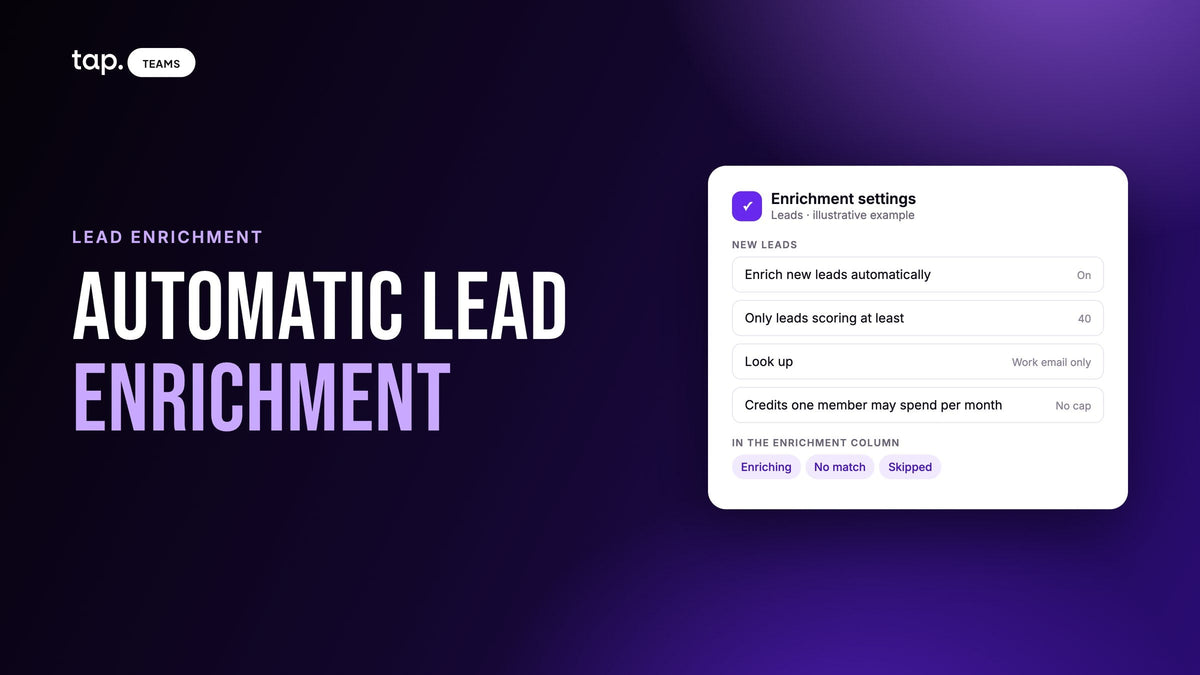
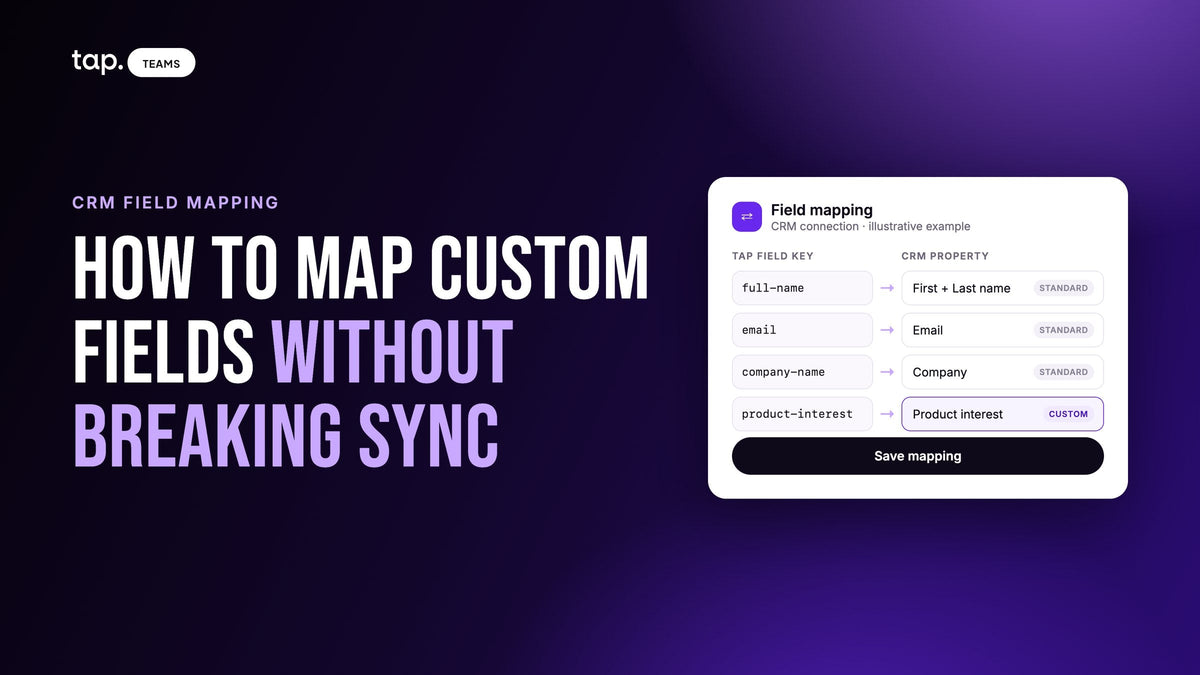
Right after a lead is saved, the app asks for the buying role, which feeds a quality score shown as Hot, Warm or Cold. Reps can add a note, or record the conversation and get a summary, buying signals, objections and action items, and the action items become follow-ups. Leads go to Salesforce, HubSpot, Zoho, Pipedrive, Veeva Vault or Odoo, or to other tools through Zapier, owned by the rep who captured them, and Slack can post an alert for each Hot lead. The organiser's CSV imports as a file, with duplicates flagged against the leads you already hold. Leads that came in as a name and a phone number can be filled out with lead enrichment, automatically if they score above a level you choose.
See how Tap's lead capture works, or book a free demo and we'll walk through a Big 5 setup with you.
FAQ
When is Big 5 Global 2026?
November 23 to 26, 2026, Monday to Thursday, at Dubai World Trade Centre. It's the 47th edition, and the seven co-located shows run on the same ticket.
Where is Big 5 Global held and what are the opening hours?
At Dubai World Trade Centre, with the DWTC metro station on the Red Line a short walk away. The organiser's hours are 11am to 6pm on November 23, 10am to 6pm on November 24 and 25, and 10am to 5pm on November 26.
Who exhibits at Big 5 Global, and who visits?
Suppliers across the project lifecycle, from building materials and finishes to MEP, tools and equipment, machinery, concrete, stone, HVACR, geospatial technology and facilities management. Visitors are the buyers the organiser lists: agents and distributors, architects, consultants, contractors, engineers, facility managers, government officials, project owners and developers, all 21 or over on a paid ticket. The organiser publishes the exhibitor list on big5global.com.
Do I need the organiser's badge scanner at Big 5?
Lead scanning is a feature of the Big 5 Global app for exhibitors with a badge registered to their own email; check your exhibitor manual for what your package includes. It scans the QR code on the attendee badge, lets you rate and comment, and exports to CSV or XLSX once your admin has accepted the team in the app. It doesn't capture buying role, product line or a CRM record, so most teams use it alongside their own lead capture app and merge the exports afterwards.
What if there's no signal in the hall?
Use an app that can share a QR code offline and queues captures until the phone reconnects. Test a capture on the venue network before the doors open, keep a printed QR on the stand, and don't sign out while captures are pending.

Leave a comment
This site is protected by hCaptcha and the hCaptcha Privacy Policy and Terms of Service apply.