
Pick Blinq if you want a free personal digital business card, or a company-wide card, email signature and SSO rollout across many CRMs. Pick Tap if you run a field sales team that sells face to face and needs each conversation scored, recorded, analyzed for buying signals and objections, and synced to the CRM with the context attached.
Both tools capture contacts in person, and both now record conversations, so the gap is narrower than it was a couple of years ago. What separates them is what happens after the handshake. This page sets out where each one is the better fit. Everything said about Blinq comes from Blinq's own public pages, checked on 7 October 2026. Everything said about Tap comes from Tap's documentation. Where a site says nothing about a feature, the table says so instead of guessing.
Quick verdict
Blinq grew up as a digital business card and still treats the card as the center of the product. It's free for individuals, and its team plans add brand control, signatures, virtual backgrounds, directory provisioning and event lead capture. If most of your people simply need a good card and a clean way to save who they meet, Blinq covers that well and integrates with more systems than we do.
Tap was built for teams who meet buyers in person: at trade shows, but also on clinic visits, site visits and the meeting the day after the event. The card is how the conversation starts. The product is mostly about what comes next: a lead form the visitor fills in on their own phone, a quality score, a recorded meeting broken down into buying signals, objections and talk time, and a manager's view across every rep. That's what we mean by a field sales platform.

Tap vs Blinq at a glance
| Feature | Tap | Blinq |
|---|---|---|
| Built for | Teams who meet people in person: conferences, trade shows, field sales calls | Individuals through to enterprise; free plan for everyone |
| Sharing | NFC, QR, link, AirDrop, WhatsApp, Apple and Google Wallet; recipient needs no app | QR, NFC, link, Apple and Google Wallet, widgets, smartwatch; recipient needs no app |
| Scanning | Business cards, QR codes, event badges | Badges, paper cards, QR codes, LinkedIn profiles; organizer badge APIs where granted |
| Working offline | Offline QR sharing; captures queue and sync on reconnect | Scanning, tagging and notes offline; sync on reconnect |
| Lead capture form | Built-in fields that map to the CRM automatically, plus custom fields; templates can enforce one form | Custom form on Business and Enterprise: name plus email or phone, up to three custom fields |
| Enrichment | Work email, direct phone, title, seniority, company; charged only for what's found | Verified email, phone, title, company, LinkedIn |
| Lead scoring | Automatic score out of 100 from published rules; Hot, Warm, Cold | Rep-applied qualifiers and tags; automatic score not listed on their site |
| Conversation recording | Record or upload in the app; transcript, summary, action items | AI Notetaker on phone, watch or Bluetooth mic, offline, and on phone calls; transcript, summary, next steps |
| Meeting analysis | Buying signals, objections, sentiment, key topics, talk ratio against a target per meeting type | Not listed on their site |
| Asking AI about meetings | Ask AI inside Tap, answers cite the moment in the recording; replies in the language you ask in, Arabic included | Blinq MCP, read-only, inside Claude, ChatGPT, Copilot and other MCP tools |
| Native CRMs | Salesforce, HubSpot, Zoho, Pipedrive, Veeva Vault, Odoo; Zapier for the rest; Slack for lead alerts | Salesforce, HubSpot, Dynamics 365, Zoho, Pipedrive, GoHighLevel, monday.com, Marketo; Outlook contacts; Zapier |
| Team admin | Templates; departments that control fields, link types and CRM access; sub-team admins | Templates with field locking; subteam admins on Enterprise; SAML SSO and SCIM (Entra ID, Okta) |
| Email signatures | Generated per member from the member editor | Admin-controlled, deployed to Google Workspace and Outlook |
| App languages | English and Arabic | Not listed on their site (Notetaker transcribes 99+ languages) |
Where Blinq is the better choice
I'd point you to Blinq in these situations, and I'd rather say so than pretend otherwise.
You want a card for yourself. Blinq's site says it's free for everyone, and the free plan includes a digital business card, virtual backgrounds and email signatures. Its Premium plan is for one person. If you're a solo consultant or an agent who just needs a sharp card, that's a simple choice.
Your CRM or marketing tool isn't on our list. Blinq documents native integrations with Microsoft Dynamics 365, GoHighLevel, monday.com and Marketo, plus Outlook contact sync. Tap connects natively to six CRMs and reaches the rest through Zapier, which works but is a step removed.
IT runs the rollout. Blinq documents SAML single sign-on and SCIM provisioning with Microsoft Entra ID and Okta, so cards appear for new hires and switch off when people leave. It also pushes signatures into Google Workspace and Outlook without anyone installing anything. Our docs don't cover SSO or directory provisioning, so if that's a hard requirement, Blinq has it written down today.
You need an events P&L. Blinq's campaigns hold goals, dates, budget and assigned reps for each event, and report cost per lead and pipeline. It also shows a contact's open deals and CRM history at the moment of the scan. Tap tags leads by event and Team Insights compares periods, but Tap doesn't model event budgets.
Your reps record a lot of phone calls or want hands-free recording. Blinq's Notetaker works on calls, on a smartwatch and with a Bluetooth mic, and it records offline.
Where Tap is the better choice
Tap earns its place when the conversation itself is the asset and a manager needs to see what happened in it.
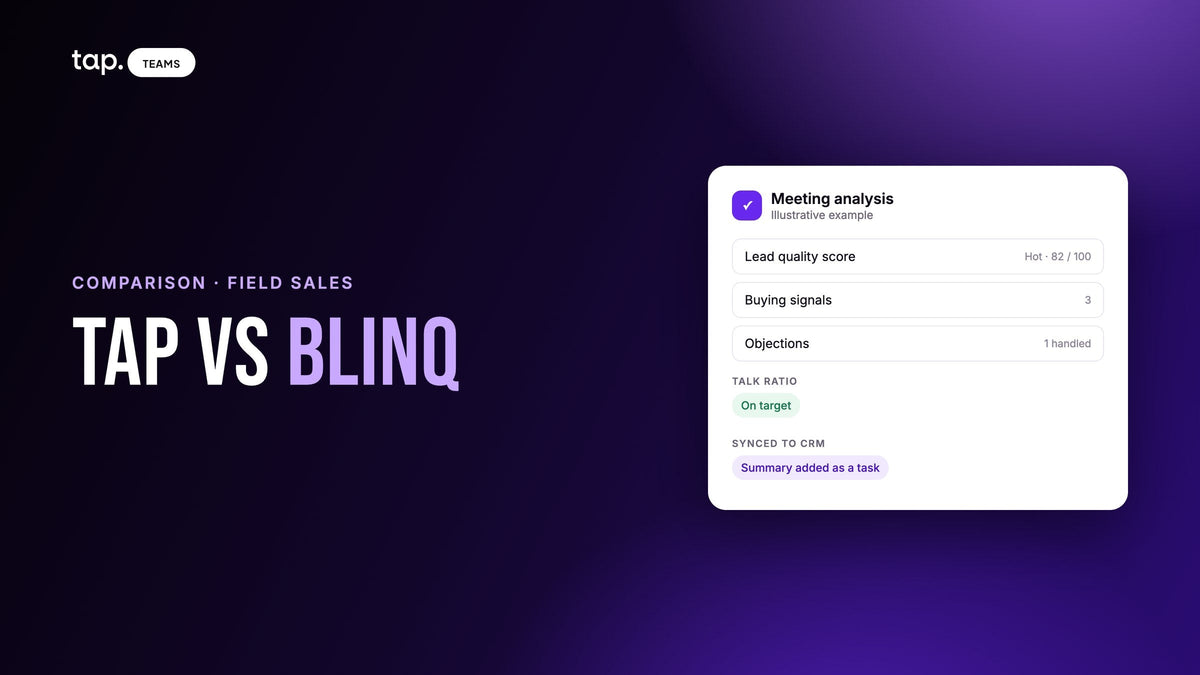
You want to know how the meeting went, beyond what was said. Every recorded meeting in Tap gets a summary and action items, and also buying signals (moments the lead moved toward a decision), objections you can mark as handled, sentiment, key topics, and the rep's share of the talking measured against a target for that meeting type. Discovery has a low target. A demo walkthrough has a higher one. Blinq's pages describe transcripts, summaries and next steps; they don't list this kind of breakdown.
You want to ask questions and check the answers. Ask AI sits beside the meeting in Tap and on mobile. Ask "What did they say about pricing?" and the answer points at the moment in the recording, with a timestamp and the speaker, so you can play it back. Blinq's approach is different: its MCP connection lets you query your notes from Claude, ChatGPT or Copilot. Some teams will prefer that. Others want the answer next to the recording.
Your team sells in Arabic. The Tap app runs in English and Arabic, and Ask AI replies in Arabic when you ask in Arabic. I couldn't find an Arabic interface mentioned on Blinq's site, though its Notetaker transcribes many languages.
You sell into pharma or life sciences. Tap has a native Veeva Vault connector. Veeva isn't listed among Blinq's integrations.
You want leads ranked without asking reps to rank them. More on that below.
Lead capture at events and on the road
The two products agree on more than they disagree here. Both open in the visitor's browser with nothing to install, both scan badges, cards and QR codes, and both keep working when the hall's network gives up.
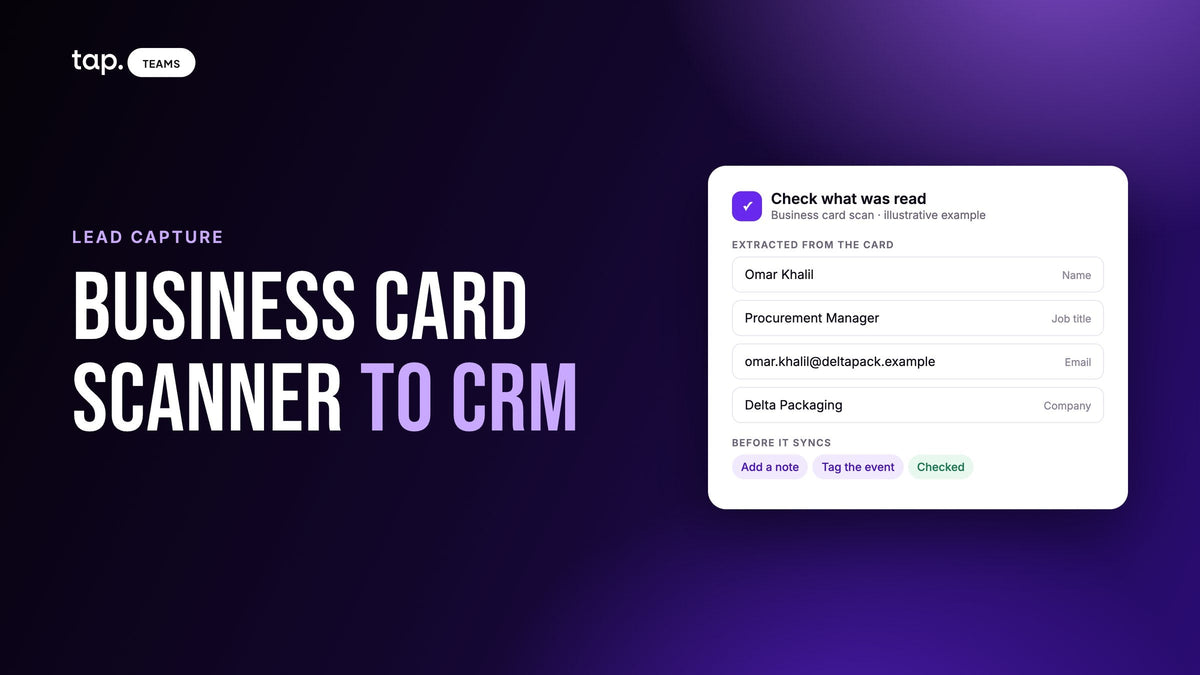
The differences are in the details. Blinq's scanner also reads LinkedIn profiles, and it can pull the official registration record where an organizer grants badge API access. Tap's scanner covers business cards, QR codes and event badges, and shows you what it read before saving, because an email misread by one character is a lead you can't contact. Our guide to event lead retrieval covers when the organizer's own scanner is still the right tool.
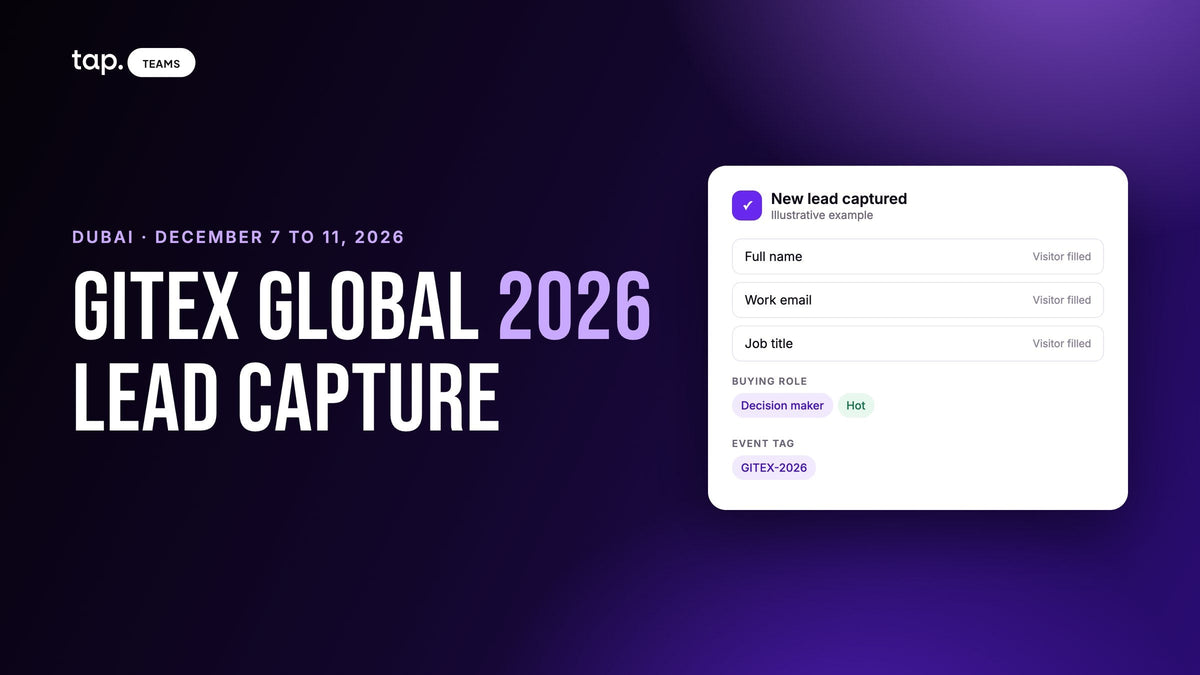
On forms, Blinq's custom lead form (Business and Enterprise) requires a name and an email or phone, and allows up to three custom fields. Tap's lead capture form uses built-in fields for name, email, phones, job title, company and location that map to standard CRM fields on their own, plus custom fields for anything else, and a template can force every rep onto the same form.
The bigger difference is scoring. In Blinq, reps apply qualifiers and tags the admin has set up, such as hot, warm or cold. In Tap, every lead gets a score out of 100 calculated from rules published in the docs: which fields were filled, whether the email is on a corporate domain, and seniority, which comes from the buying role the rep picked, then enrichment, then the job title. A rep can still mark someone a decision maker, and that changes the score. Picture coming back from a three-day show with two hundred leads. A score sorts the list on the train home; tags only sort it if every rep tagged consistently on a busy floor.
Both tools enrich leads with a work email, phone, title and company. Tap only fills empty fields, never overwrites what the rep or visitor typed, and charges only for what it finds.

CRM sync
Breadth goes to Blinq. Its docs list Salesforce, HubSpot, Dynamics 365, GoHighLevel, Pipedrive, Zoho, monday.com and Marketo, with Zapier for everything else. Its enterprise page describes the sync as one way and deduplicated by email.
Tap connects natively to Salesforce, HubSpot, Zoho, Pipedrive, Veeva Vault and Odoo, and to everything else through Zapier. It can also post hot leads and team alerts to the Slack channels you choose. See the full list on our integrations page. A few things work the way field teams tend to want:
- A stranger from a booth arrives as a Lead in Salesforce and Zoho, and as a Person plus a Lead in Pipedrive's Leads Inbox, so unqualified people don't land in your contact database. HubSpot and Veeva get a Contact, because that's how their data models start. In Odoo you choose: a lead, an opportunity or a contact.
- When a meeting finishes processing, its summary and action items land on the record as a task.
- The rep who captured the lead becomes the owner, matched by email.
- Departments decide which CRM a group of reps can reach, and that access is denied until an admin grants it. Handy when regions run separate CRM instances.
If your CRM is on both lists, check what each tool writes into it. Ask for a test lead in your own instance before you sign anything. That advice applies to us too.
Team admin
Both products use templates to keep cards on brand. Blinq locks logo, colors and fonts at the template level, supports separate templates per brand or region, and adds subteam admins on Enterprise. Its bigger lead is identity: SSO and SCIM provisioning, plus signatures deployed centrally to Gmail and Outlook.
Tap organizes people into departments, and departments carry the permissions: which profile fields members can edit, which link types they can add, which CRMs they can sync to. Sub-team admins can run their own department. Tap also generates an email signature for each member from the member editor, but there's no central push into a mail system like Blinq's. If your rollout is "every employee in the company gets a card," Blinq's admin tooling is more complete. If it's "forty reps in three regions, each syncing to the right CRM," departments fit that well.
AI and meeting features
Both products record in-person conversations from the phone rather than sending a bot into a video call. Blinq builds consent reminders into the app, and Tap's docs tell reps to say they're recording before they start. In many places that's the law, and it's good manners everywhere.
Blinq's AI Notetaker is strong on capture. It runs on phones, Apple Watch and Wear OS, works with a Bluetooth mic, records offline, handles phone calls, and auto-detects 99+ languages. You get a transcript, a summary and next steps linked to the contact and synced to the CRM. To ask questions across notes, you connect Blinq MCP to an AI tool you already use, and admins can ask about the whole team's conversations that way.
Tap's strength is analysis. You pick a meeting type before processing, and the analysis measures the conversation against it: talk ratio, buying signals, objections, sentiment, topics and action items. Ask AI answers your own questions with citations you can play back, and on enterprise plans it can search across every meeting you're allowed to see. Then Team Insights rolls it all up: the topics and objections coming up across the team, sentiment trends, at-risk accounts, and how many decision makers your reps actually met. For a sales manager who can't sit in on field meetings, that roll-up is the reason to record in the first place.
How to decide
Run through this list with your own team in mind:
- Do most of your users just need a card, with lead capture as a bonus? Blinq.
- Is IT asking for SSO, SCIM or centrally deployed signatures? Blinq.
- Is your CRM Dynamics, GoHighLevel, monday.com or Marketo? Blinq, or Tap through Zapier.
- Do you sell into pharma on Veeva Vault, or run your own Odoo? Tap.
- Do managers need to know how meetings went (signals, objections, talk time) without sitting in? Tap.
- Do you want leads ranked automatically after an event? Tap.
- Does your team sell in Arabic? Tap.
- Do you need event budgets and cost per lead in the same tool? Blinq.
If your answers land mostly on the Tap side, see how Tap works for field sales teams, or book a 30-minute demo and bring a real meeting type your reps run. If they land on Blinq's side, its AI Notetaker page and integration docs are the right next read.
Related reading
- Blinq alternatives for sales teams: 6 options compared
- Popl alternatives: 6 options for sales and event teams
- Digital business cards for teams: setup, control and what the manager sees
FAQ
Is Blinq free?
Blinq's site says Blinq is free for everyone, with a free digital business card, virtual backgrounds and email signatures. Paid plans (Premium for individuals, Business and Enterprise for teams) add features such as custom lead forms, CRM sync and admin controls. Check Blinq's pricing page for current terms.
What is the best Blinq alternative for a sales team?
It depends on what your team sells and where. For field sales teams who meet buyers in person and want each conversation scored, recorded and analyzed for buying signals and objections, Tap is built for that. For company-wide card rollouts tied to SSO and many CRMs, Blinq itself may still be the better fit.
Does Blinq integrate with Salesforce and HubSpot?
Yes. Blinq's docs list native integrations with Salesforce and HubSpot, along with Dynamics 365, Zoho, Pipedrive, GoHighLevel, monday.com and Marketo, plus Zapier. Tap also connects natively to Salesforce and HubSpot, as well as Zoho, Pipedrive, Veeva Vault and Odoo.
Can Blinq record meetings?
Yes. Blinq's AI Notetaker records in-person conversations and phone calls, then produces a transcript, a summary and next steps. Tap records in-person meetings too, and its analysis adds buying signals, objections, sentiment and talk ratio against a target for each meeting type.
Tap vs Blinq: which is better for field sales?
For teams whose reps sell face to face and whose managers need to see what happened in those meetings, Tap. For teams who mainly need branded cards, signatures and broad integrations across a whole company, Blinq. Plenty of teams could make either work, so test both on a real meeting before you decide.

Leave a comment
This site is protected by hCaptcha and the hCaptcha Privacy Policy and Terms of Service apply.