
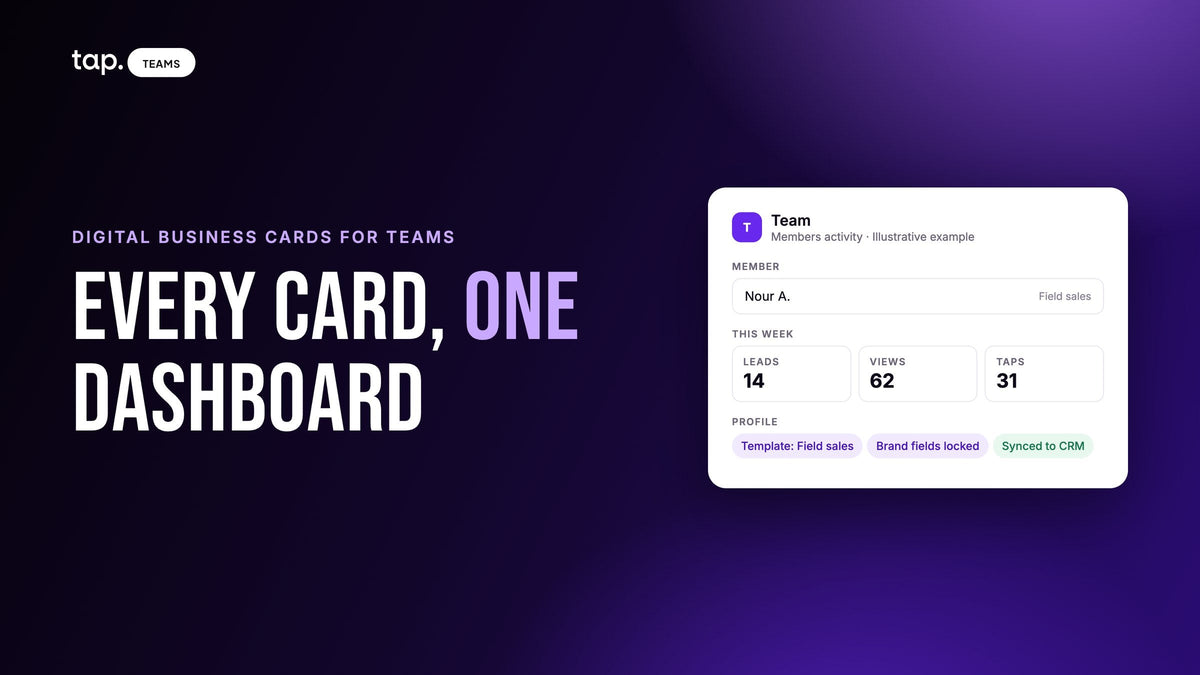
Digital business cards for teams are a shared system, run from one admin dashboard, that gives every rep a branded digital profile to share by NFC tap, QR code or link. The company sets the branding and permissions, reps share the card and capture contacts, and those contacts land in one place the company owns.
That last clause is the whole subject. This one is written from the sales manager's seat: how to set the team up, how to get fifty people onto cards without each of them typing a profile, what you should see the morning after a share, and who keeps the contacts when a rep leaves.
What a digital business card for teams is (and what a personal card can't do)
A personal digital card is one person's profile. They design it, they share it, and the contacts they collect sit in their own app. It falls apart when three reps from the same company turn up at a trade show with three different logos, a job title written three ways, and three private contact lists nobody else can see.
A team system moves ownership up a level. An admin publishes the brand, decides what reps may change, adds people in bulk, and can open any contact the team captures. The rep still has a card that feels like theirs. The company still has the data when the rep moves on.
| Question | Personal card app | Team card system |
|---|---|---|
| Who designs the card | Each person, however they like | An admin publishes a template; reps edit only the fields left open |
| Who sees captured contacts | The person who captured them | The rep, their admin, and often a department manager |
| When someone leaves | The contacts leave with them | Access is revoked; the contacts stay and get reassigned |
| Adding people | Everyone signs up on their own | Admin invites one by one or imports a spreadsheet |
| CRM | Each person connects their own, if at all | A company connection, with access granted per department |
| Export | Each person exports their own list | Admin exports the whole team's contacts to one file |
Why paper cards break the moment a team grows
Paper cards were made for one person. Scale them to forty and you get the ordering spreadsheet: someone in marketing tracks who needs a reprint, chases titles, waits for the print run, and mails boxes to regional offices. A promotion means a reprint. A new hire waits weeks and hands out a colleague's card in the meantime.
A rep comes back from a show with a stack of other people's cards. Some get typed into the CRM a week later. Most sit in a drawer. The manager finds out who the rep met only if they ask. A team card system can fix both halves, but only the brand half comes for free; the contact half takes some thought in setup, which is why most of this guide is about it.
Setting the team up: templates, brand lock, departments
Decide these three things before you add a single person. They're far easier to get right at the start than to change once sixty people rely on them.
Templates set what a profile starts as
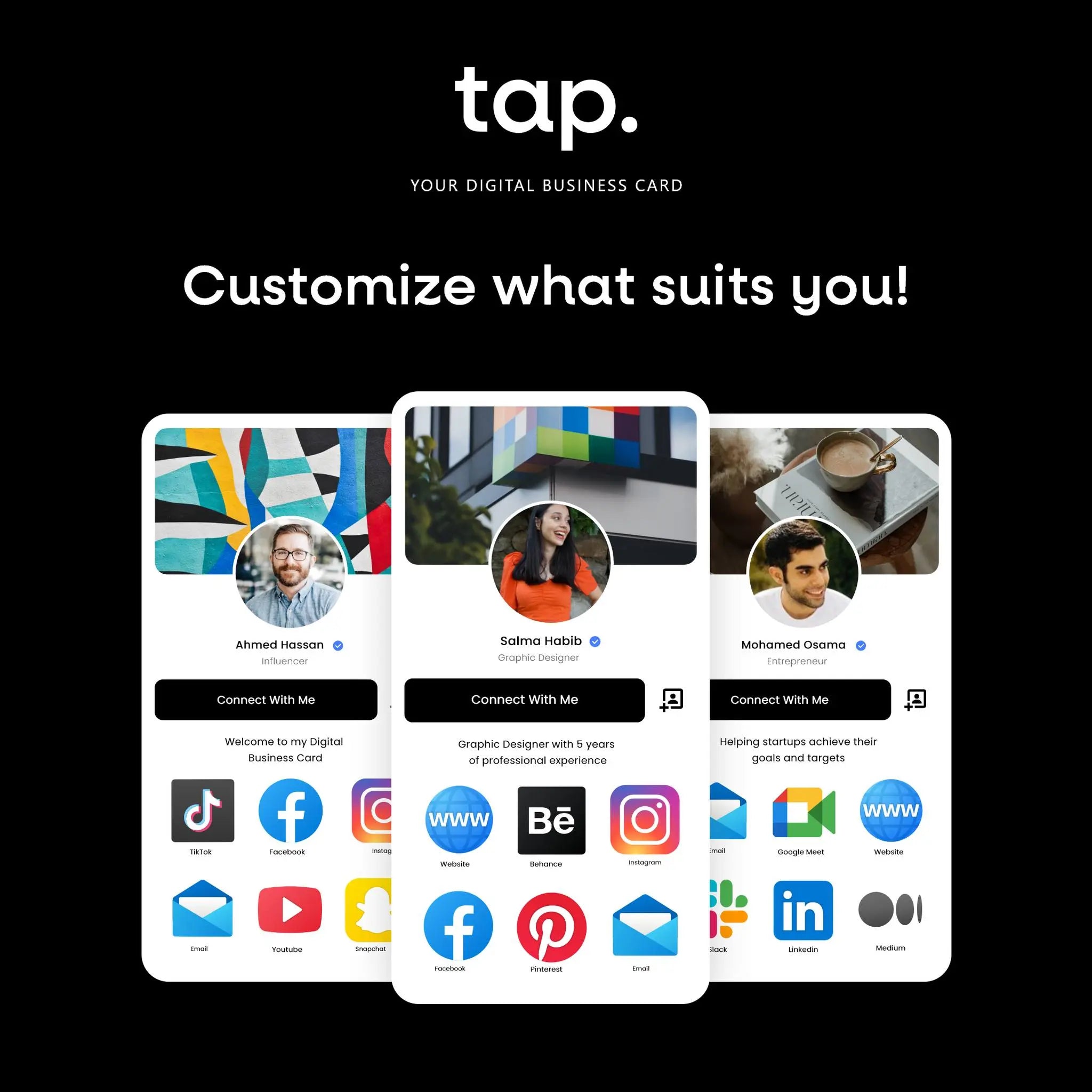
A template is the profile blueprint: logo, cover image, brand colors, and the links every rep should carry, such as the company site and the main LinkedIn page. You publish it once and assign it to members. Two or three templates are usually plenty: a sales template with a booking link, maybe a recruiting one pointing at the careers page, maybe one with event branding you retire afterwards.
Brand lock is a separate switch
This is where teams get caught. A template sets the starting values. In most systems it does not, by itself, stop a rep from changing them later. If you want the company name, logo and colors to stay identical across the team, you need a second control that locks those fields afterwards, and that usually lives at the group or department level. Lock company, logo and colors. Leave name, title, photo and direct phone editable.

Departments carry permissions
A department in a card system is a group of members that carries rules. The useful question isn't your org chart. It's which groups need different permissions or a different CRM destination. Common splits are by function, by region when regions run separate CRM instances, or by trust: executives unrestricted, field reps with the brand locked, temporary event staff fully locked and kept away from customer data.
Departments also decide who manages whom. If regional managers should onboard their own reps without touching billing, templates or other regions, look for department-level admins. If a department can only see its own contacts, one region's manager isn't reading another's leads by accident.
Rolling cards out to 50 reps without each rep typing a profile
Who fills the sheet
Not the reps. Ops or the sales manager pulls name, work email, title, phone and department from the HR system or the CRM's user list, then cleans it. Two things break imports more than anything else: trailing spaces hiding in the email column, and a department name spelled two ways. The email matters most. It's the login, it's where the invitation goes, and in most systems it's the key that matches the rep to their CRM user so captured contacts land under the right owner. Check it against the CRM user list before you import.
The order of operations
Say you have 60 reps in three regions. The sequence that avoids rework:
- Create the departments first, with the exact names used in the sheet. The import assigns people by name, and a department that doesn't exist can't be assigned.
- Publish the template. Members imported without one build their own profiles.
- Import five people as a test batch. Confirm they land in the right department, on the right template, and that the invitation email reads the way you want.
- Import the rest. Fix the rows that failed and re-import only those.
- Agree the event tag name before the first show, so everyone applies the same one afterwards.
Tap's bulk import guide gives the reason for the test batch plainly: a bad 200-person import is a slow thing to undo.

What the rep receives, and what's left for them to do
An invitation email. Write it yourself if the tool lets you. One line on why ("this is how we're capturing leads at the conference next month") before the button gets accepted; "you've been invited" gets ignored. The rep sets a password, opens the app, adds a photo and fills in whichever personal fields you left open.
A few days later, check who hasn't accepted. Re-send the invitation, check the address for a typo, ask them to look in spam. Someone still showing as invited after a week isn't going to start on their own.
What happens after a rep shares a card: the manager's view the next morning
A rep taps their card on a buyer's phone in a clinic corridor, or holds up a QR code across a table at a show. The buyer sees the profile in their browser, installs nothing, and fills in a short form.
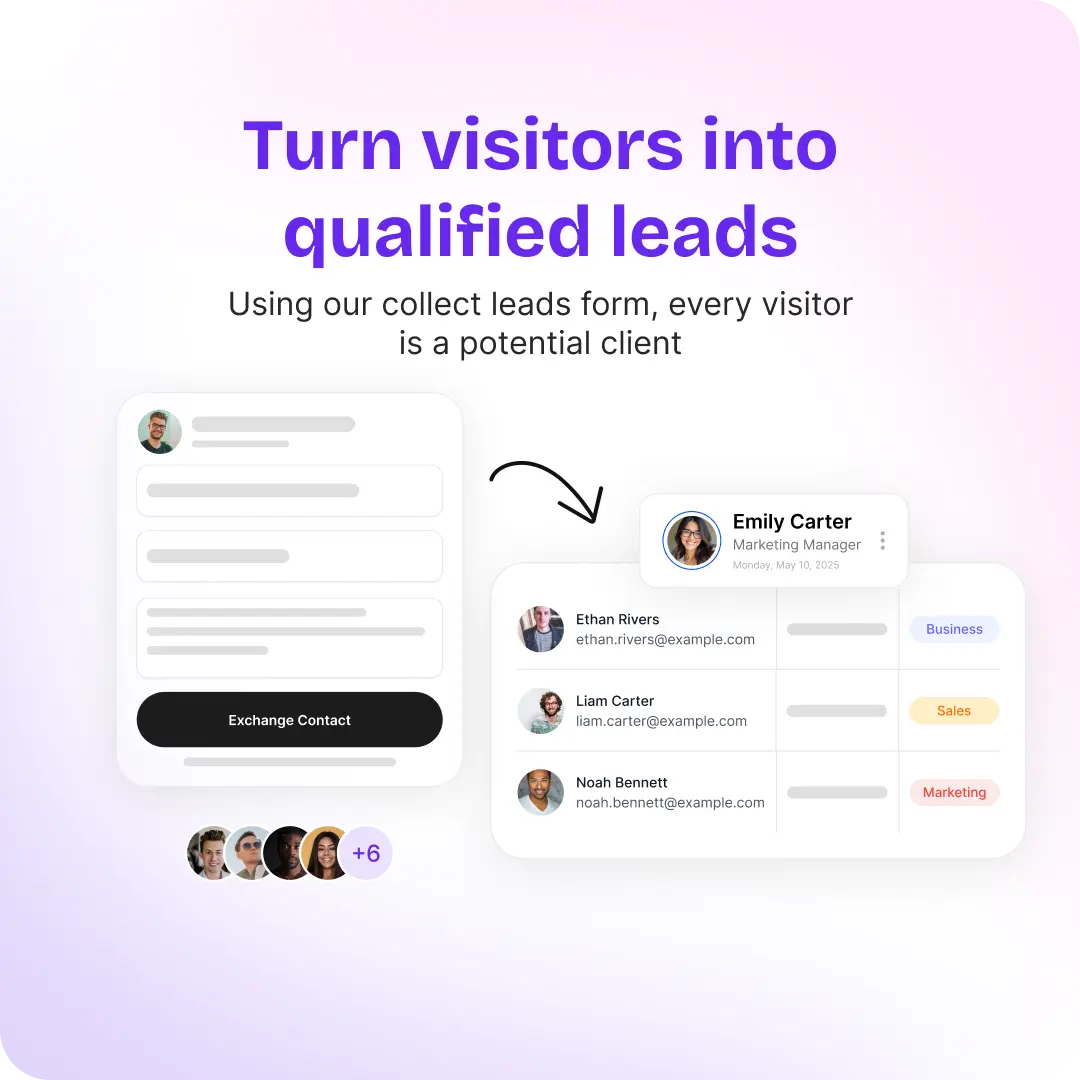
The morning after is where a team system earns its keep. Open the admin dashboard and, without messaging anyone, you should see who on your team met whom, when, which event it was (by tag), what the buyer typed into the form, the rep's note, and whether the record has reached the CRM. If what the tool shows you instead is a count of shares and a chart of views, you have an analytics widget, and the contacts are still in the rep's pocket.
Three things to try during a trial. Have an admin open a contact captured by someone else. Have a department manager try to open a contact from another department, and make sure they can't. Capture a lead with a rep who has no CRM connected, then confirm the contact still exists in the dashboard. Someone will also hand your rep a paper card at some point; we covered what a scanned card actually sends in Business card scanner to CRM.
Who owns the captured contacts, and what happens when a rep leaves
Settle this before the first person resigns. A contact captured on company time with a company card belongs to the company. The system has to make that true in practice, which comes down to what happens the day someone leaves.
- Access ends the moment you remove them. Nothing they captured should go with them.
- The contacts stay. Removing a member must not delete the leads they captured or the meetings they recorded. Reassign those leads to whoever picks up the accounts, so follow-ups don't stall.
- Check for a personal CRM connection first. If the rep had connected their own CRM account rather than using the company's, their leads may have been flowing into that account all along. Export them before the account goes away.
The CRM record itself is safe either way; it synced and lives in the CRM on its own. What you're protecting is everything that never synced: contacts captured before the CRM was connected, form answers in fields nobody mapped, and the rep's notes.
Getting contacts out: CRM sync and exporting the whole team to one file
CRM sync is the main one. The captured person becomes a record in HubSpot, Salesforce or whatever you run, owned by the rep who met them, with the form answers mapped to the right fields. The details that decide whether your team trusts that data a month later (record type, field mapping, owner matching, what happens offline) are in our guide to digital business cards with CRM integration, so I won't repeat them.
Export is the route the guides skip. An admin should be able to filter the whole team's contacts and send them to one spreadsheet: for a tool you don't integrate with, for leads captured before the CRM was connected, for sharing one event's results with someone who has no login, and for keeping your own copy before you remove a member. Check that the export follows the filters you applied and that it includes form fields that were never mapped to the CRM.
Measuring the program: shares are a weak signal
Views and taps tell you how often cards were shared. They don't tell you whether a share was worth anything. A rep working a flagship conference will out-share one working regional clinics no matter how good either of them is. Read the activity numbers to spot problems rather than to rank people.
- A member with zero of everything a month in is almost always a setup problem. Check they finished onboarding, that their department has CRM access, and that they can actually capture a lead.
- Wildly uneven capture counts at the same event usually mean one person was stuck alone on the stand while the others worked the floor.
The numbers that mean something are captured contacts, how many were qualified, how many got a follow-up, and how many carry an event tag so you can judge whether the show was worth attending. If your system scores leads, read the score next to the rep's note; our lead scoring guide covers what a score can and can't tell you. Compare like with like, this conference against the last one. Used as a leaderboard, capture counts produce gaming: low-quality captures that inflate the number and help nobody.
Cost, security and access, briefly
I'm not going to give you a cost-per-employee figure for paper versus digital, because nobody publishes a sourced one. Do your own: last year's print spend, plus the hours someone spent on the ordering spreadsheet, against the subscription. The saving usually shows up in the things that stop happening. Nobody reprints on a title change, and a new hire has a working card the day the invitation lands.
On security, ask any vendor where captured personal data is stored, who can delete a contact, and whether deleting it in the card system also deletes the CRM record (it usually shouldn't). If your IT team requires single sign-on or directory sync, ask about those directly; this guide doesn't cover them.
How Tap handles this
Tap Teams is the admin side on the web. Reps live in the mobile app; visitors install nothing.
Setup
A template sets what a profile starts as. A department sets what a member may change afterwards, and to keep a field identical across the team you need both: set it in the template and lock it in the department. Department permissions default to full access until you save restrictions; CRM access is deny-by-default, so a department with no grants can't sync anywhere. A department controls which profile fields members may edit, which link types they may add, which CRMs they can reach, and whether they get location features. Turn on Department Admin Management and a department can have its own sub-team admin who manages their own people without touching billing, templates or other departments.
Rollout
You add members one at a time or import a CSV or XLSX file. The import creates the members, assigns each to a department and a template, and sends every invitation in one pass; Tap's guidance is to import five people first and check them. You write the invitation's subject, message and button text yourself. Use the same email address the rep uses in your CRM, because lead owner assignment matches on it. Bulk adjustments then changes many profiles at once: lock them or remove the lock, turn lead capture on or off, set a shared photo, or move profiles between departments.
The morning after
Every captured contact appears under Leads in Tap Teams, whoever captured it. Each lead shows its quality score, who on your team met them, and when; open one for the form answers, notes, tags, attached meetings and follow-up history, and reassign it from the same page. Members see the leads they captured, admins see the whole team's, and department admins see their department's. Team Insights leads with four headline numbers (leads, views, downloaded contacts, active members) and a Members Activity table with a row per member: leads, views, taps, notes, last mobile session and last dashboard session. The docs call it an activity view rather than a performance ranking. Filter it by department or member and export the result.
Leavers and data
Removing a member revokes their access immediately, and their leads and meetings stay with the team for you to reassign. Leads sync natively to HubSpot, Salesforce, Zoho, Pipedrive, Veeva Vault and Odoo, and reach other tools through Zapier; Slack posts lead and team alerts into your channels. An admin can export the team's leads to a single spreadsheet, following the active filters and including unmapped capture fields. Tags carry full-team or department access, and the member editor generates an Email Signature block carrying the member's card.
To see the admin side with your own team structure, book a 30-minute demo or read more about Tap for teams.
FAQ
What is a digital business card for teams?
A company-run system where an admin publishes branded profile templates, adds members in bulk, sets what each group may change, and sees every contact the team captures. Each rep shares their own card by NFC, QR code or link, and the contacts belong to the company.
How do digital business cards for teams work compared to individual apps?
An individual app gives one person a card and a private contact list. A team system adds a central dashboard: templates and locked fields keep the brand consistent, departments carry permissions and CRM access, an admin can open any captured contact, and removing a member keeps their contacts with the company. The visitor's experience is the same either way.
Can an admin export all contacts captured by reps into a single CSV?
In a team system, yes, and you should test it during the trial. In Tap Teams an admin filters the Leads list and exports it to one spreadsheet. The export follows the active filters, so you can take everything or just one event, department or rep, and capture fields never mapped to your CRM are included.
What happens to the contacts when a rep leaves?
You remove the member, their access ends immediately, and the leads they captured stay with the team for you to reassign. CRM records they already synced stay in the CRM. Before removing anyone, check whether they were syncing through a personal CRM connection, and export their leads if there's any doubt.
Which digital business card is best for large teams?
Judge it on the checklist rather than the card design: a template plus a separate lock on brand fields; departments with per-group permissions and CRM access; an import that assigns department and template and sends the invitations; an admin view of every captured contact with the rep, date, form answers and notes; reassignment and a one-file export; access that ends immediately when a member is removed while their contacts stay; and native sync to the CRM you already run.

Leave a comment
This site is protected by hCaptcha and the hCaptcha Privacy Policy and Terms of Service apply.