
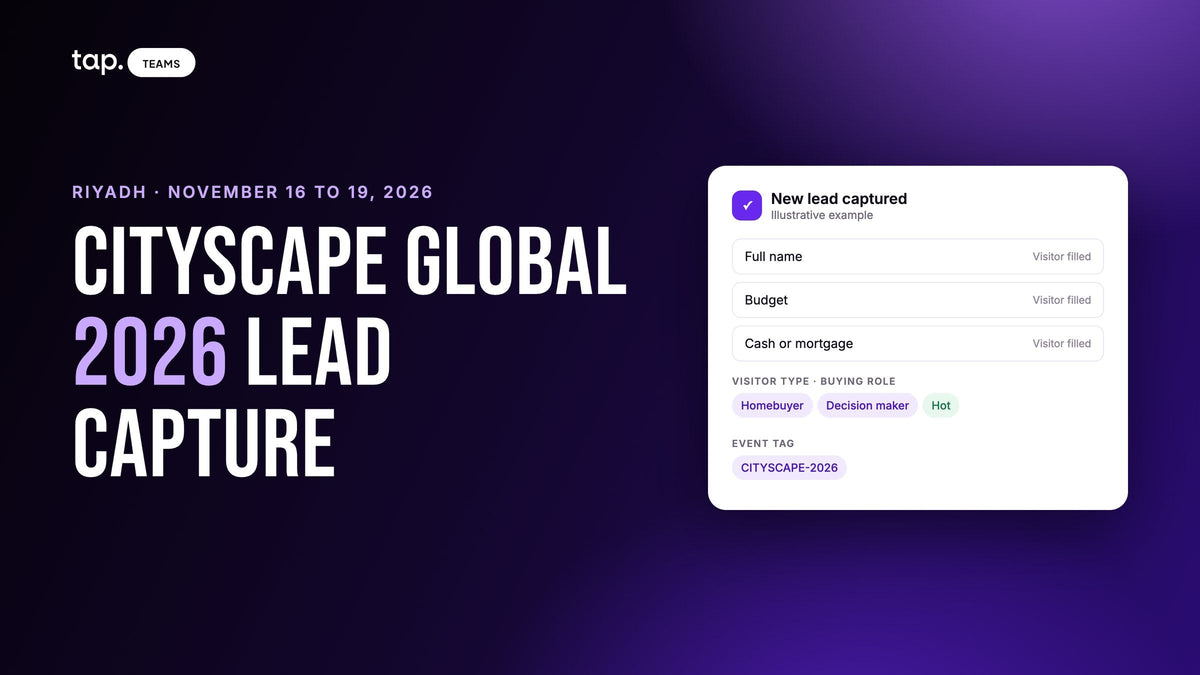
Cityscape Global 2026 runs from November 16 to 19, 2026, at the Riyadh Exhibition and Convention Centre in Malham. It's four days, Monday to Thursday, with doors open from noon to 10pm. This is a lead capture plan for real estate exhibitors: what to set up beforehand, how to capture and sort visitors on the stand, and how to follow up.
Cityscape isn't a normal trade show. The organiser calls it a trade and consumer event, so the same counter gets a couple looking for their first home, an investor comparing projects, and a broker who'd like to sell your units to his own clients. Each gives you different details and needs a different follow-up, so your capture has to tell them apart before they walk away.
Cityscape Global 2026 at a glance
Every fact below comes from the organiser's site, cityscapeglobal.com, checked on October 16, 2026. Exhibitor access times for set-up are in the organiser's Customer Centre.
| Cityscape Global 2026 | |
|---|---|
| Dates | November 16 to 19, 2026 (Monday to Thursday) |
| Hours | 12pm to 10pm every day. Premium pass holders get early access |
| Venue | Riyadh Exhibition and Convention Centre (Malham), reachable by Riyadh Metro and the organiser's shuttles |
| Organiser | Tahaluf, sponsored by the Ministry of Municipalities and Housing with the Real Estate General Authority (REGA), Vision 2030 and the Housing Program |
| Who attends | Developers, investors, brokers, consultants, architects, government, technology providers and homebuyers, all 18 or over |
| Badges | Digital only, held in the Cityscape Global app |
| Organiser lead retrieval | Yes, in the app, with a Lead Retrieval Guide in the exhibitor resource centre |
Who walks past your stand
The organiser's FAQ lists real estate buyers among the visitors alongside developers, investors, brokers and government. For a developer or broker with a stand, that means three kinds of conversation.

Homebuyers
The organiser is courting them this year with first-time buyer workshops, a new Buyer Guide, show-only offers and payment plans, and banks offering financing on site. A homebuyer gives you a personal mobile and probably a Gmail address, and their job title doesn't matter to you. What matters is budget, unit type, cash or mortgage, when they want to move, and who else gets a say. The person at your counter may be scouting for a spouse or a parent.
Investors
Investors come to compare projects, some of them abroad, in the international pavilions. The organiser also runs a Real Estate Leaders Club with pre-scheduled one-to-one meetings for senior international investors. Capture how many units they want and which documents you promised.
Brokers and partners
A broker asking about your inventory isn't a buyer, and a sales agent calling him about a two-bedroom wastes everyone's time. Brokers, banks pitching mortgage partnerships and proptech vendors belong with whoever owns partnerships, with a note on what they asked for.
Before the show
Set a target for each kind of visitor
Decide what you'll count the week after: homebuyers with a budget and a timeline, investor meetings booked, broker conversations started. Say six agents aim for fifteen qualified buyers each: ninety buyers worth calling, plus a short list for the investment desk.
Put your buyer questions on the form
Keep it to four to six fields: name, mobile and email, then the questions that sort people. A good set for Cityscape is "Buying to live in, to invest, or for clients?", a budget band, and "Cash or mortgage?". Write the labels in Arabic and English. Don't ask which event they're at; agree one tag, say CITYSCAPE-2026, and apply it afterwards.
Register the team and set up the organiser's app
Badges live in the Cityscape Global app, and the resource centre asks you to register every member of stand staff. Set the app up early: the organiser says it lets you browse attendees and schedule meetings before the doors open, and paid visitor passes include early app access for booking meetings, so investors may write to you weeks ahead. Someone should own that inbox. Exhibitors can also invite clients at a discounted rate; send the link to buyers you already know, with a time to come by.
Test the CRM and decide who owns what
Capture one test lead from each agent's phone and check it lands in the CRM under that agent. An agent who signs into the capture app with one email and the CRM with another gets every buyer filed under the default owner. Decide now where broker and investor leads go, so nobody reassigns them by hand at midnight on day two.
Plan for four ten-hour days
Noon to 10pm is long, and a consumer show's crowd won't be spread evenly. Expect people to come after work, and put your best closers on the evenings. Decide who covers prayer times and meals, who takes booked investor meetings, and how shifts hand over open promises: who's back at 8pm, who was promised a payment plan.
On the stand: capture first, then sort
A launch or an offer announcement draws a crowd fast. If capture means an agent typing into a tablet, most of it leaves anonymous. Let visitors fill in the form on their own phones and three agents can capture twelve people at once.

The organiser's lead retrieval, and what it leaves out
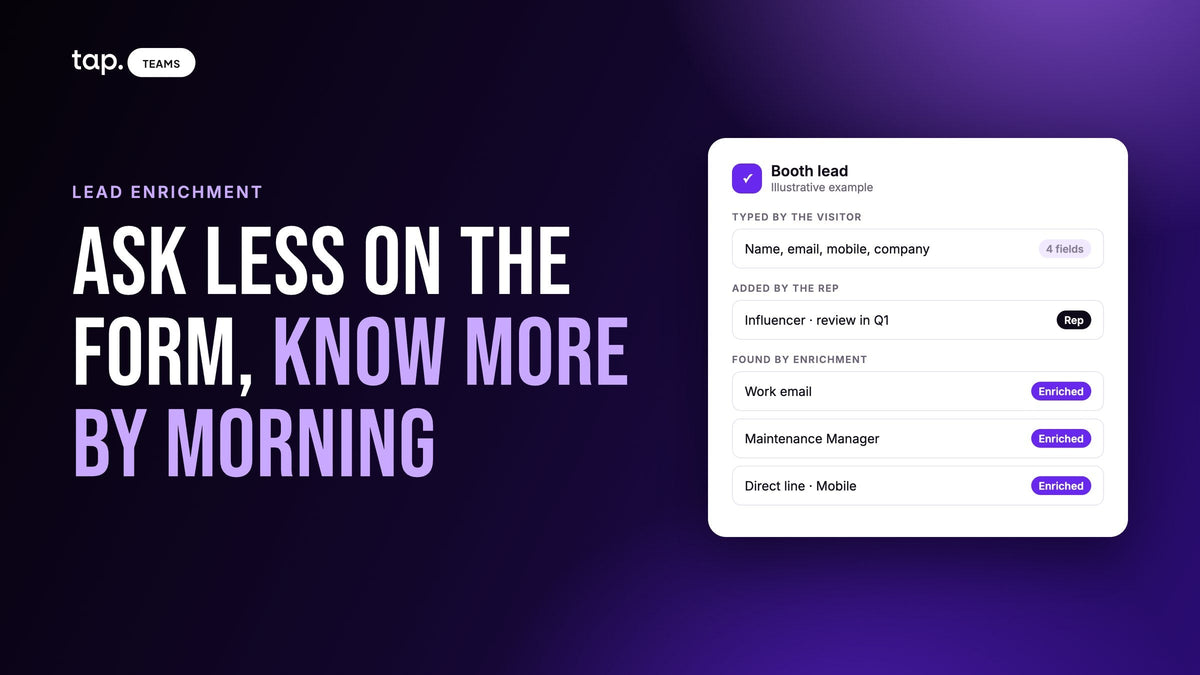
The exhibitor FAQ says you can capture and manage leads throughout the event with the official lead retrieval solution, and the resource centre's Lead Retrieval Guide covers app set-up, badge scanning, data export and follow-up. A badge scan tells you who the person is. It won't tell you their budget, whether they need a mortgage, whether they're a buyer or a broker, or which agent spoke to them. So scan the badge, capture the conversation in your own app, and merge the two afterwards. We've written about how event lead retrieval works and when the organiser's scanner is enough on its own.
Sort in the first minute
Right after the form, the agent records what the form can't. Is this the buyer, or someone scouting for them? If he's choosing the family home and his wife decides, he's an influencer, and the follow-up should invite them both. Then one line in the agent's own words: "Three-bed off-plan near a metro station, mortgage pre-approved, wife decides, back Wednesday evening with her."
Don't let a B2B score bury a cash buyer
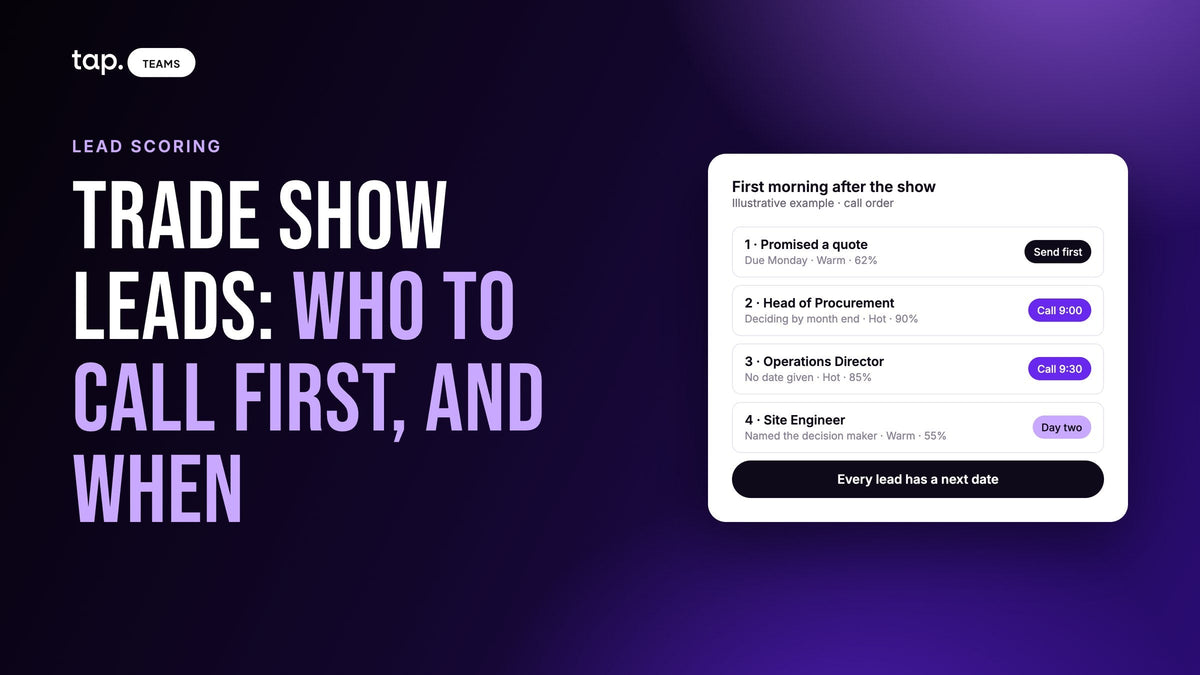
A lead score built for B2B rewards a corporate email and a senior job title. A homebuyer with a Gmail address and no title can look Cold while carrying a cash budget and a move date next month. If your team sorts by score, read it with the buying role and the agent's note, and treat budget and timeline as the real signal. Our guide to hot, warm and cold leads covers what each tier should trigger.
Plan for no signal
The organiser publishes nothing about connectivity, and halls full of phones are where networks give out. Capture a test lead on the venue network before opening, know where your app's offline sharing screen is, and don't sign out while captures are waiting to sync. Bring battery packs for a ten-hour day.
Say what happens to their details
Saudi Arabia has its own personal data protection law, so collect only what you'll use and tell people what happens next: "I'll send the floor plans tonight and someone will call you on Sunday." If you record a conversation, ask first, every time, and tell a buyer before you pass them to a partner broker. The GDPR mode docs list the obligations that stay with you whatever software you use.
After the show: follow up while the offer is live
Show-only offers and payment plans give your follow-up a deadline, so if yours runs past November 19, say when it ends in the first message. The show closes on a Thursday night and the Saudi weekend comes straight after. Decide in advance whether homebuyer calls go out on Friday and Saturday, when many buyers are off work, or wait for Sunday.
Export the organiser's contacts and import them next to your own captures, matching on mobile and email so nobody becomes two records. Tag the lot in bulk, then split it into three queues. Homebuyers go to the agent who met them, with the floor plans and payment plan they asked about. Investors go to the investment desk with the documents promised. Brokers go to partnerships. Inside each queue, start with the nearest timelines: someone moving in March comes before someone who's just looking.
Then check that promises became tasks. "Send the brochure in Arabic" and "book a site visit for Saturday" are what slips once everyone is back at the office, so give each an owner and check a week later. The general method is in our trade show lead capture guide.
A timeline you can copy
| When | What to do |
|---|---|
| Four weeks out (mid October) | Set targets per visitor type. Decide the form fields and the event tag. Test CRM sync from every agent's phone. |
| Two weeks out (early November) | Register stand staff, set up the organiser's app, answer meeting requests, send client invites, agree evening-heavy shifts. |
| November 15 (day before) | Dress the stand. Capture a test lead on the venue network. Put a QR code on the banner. Read the Lead Retrieval Guide. |
| November 16 to 19 (show days) | Capture, sort as homebuyer, investor or broker, write one line. Hand over at shift change, review every night. |
| Week after (from November 20) | Merge the organiser export, tag in bulk, split into three queues, follow up before show offers expire. |
Exhibiting in Dubai the week after too? The Big 5 Global lead capture plan follows the same shape for a construction show, so one setup covers both.
How Tap handles this
Tap is a lead capture app your agents carry on their own phones. They share their profile by NFC tap, QR code or link, and the visitor fills in your form in their browser with nothing to install; the lead exists the moment they submit. An admin can put every agent on one template, so the whole stand asks the same buyer questions, budget and cash or mortgage included. When someone hands over a card instead, the scanner reads business cards, QR codes and event badges and shows the agent what it read before saving. Tap for real estate teams shows the same setup at viewings and sales centres.
In a packed hall, share without internet shows a QR code with no connection at all, and offline captures sync when the phone reconnects; the sharing docs show where to find it. Right after a lead is saved, the app asks for the buying role, which feeds a score shown as Hot, Warm or Cold. A personal email adds no points (the lead scoring docs list every weight), so for homebuyers the buying role and the note do the work. With the visitor's agreement, an agent can record the conversation, pick its language, and get a summary, buying signals, objections and action items, and the action items become follow-ups.
Leads go to Salesforce, HubSpot, Zoho, Pipedrive, Veeva Vault or Odoo, or other tools through Zapier, owned by the CRM user whose email matches the agent who captured them, and Slack can post an alert for every lead scoring 80 or higher. The organiser's export imports as a CSV or Excel file with duplicates flagged, and broker leads can be reassigned to your partnerships owner. See how Tap's lead capture works, or book a free demo and we'll walk through a Cityscape setup with you.
FAQ
When is Cityscape Global 2026?
November 16 to 19, 2026, Monday to Thursday, at the Riyadh Exhibition and Convention Centre in Malham, Saudi Arabia. Tahaluf organises it.
What are the Cityscape Global opening hours?
The organiser lists 12pm to 10pm on all four days, with early access for premium pass holders. Exhibitor set-up times are in the Customer Centre.
Who exhibits at Cityscape Global?
Developers, brokerage firms, investors and banks, architects, contractors, proptech companies and government entities, from Saudi Arabia and abroad.
Does Cityscape Global have lead retrieval for exhibitors?
Yes. Exhibitors capture leads with the organiser's official lead retrieval solution in the Cityscape Global app, where badges are digital, and can export contacts. It tells you who someone is but not their budget, financing or whether they're a buyer or a broker, so most teams pair it with their own lead capture app and merge the exports.
How do real estate exhibitors capture homebuyer leads?
Let buyers fill in a short form on their own phones by NFC tap or QR code, with three sorting questions: buying to live, invest or for clients, a budget band, and cash or mortgage. The agent then adds who decides and one line about the conversation. Tap for real estate puts buyer questions like these on every agent's form.

Leave a comment
This site is protected by hCaptcha and the hCaptcha Privacy Policy and Terms of Service apply.