
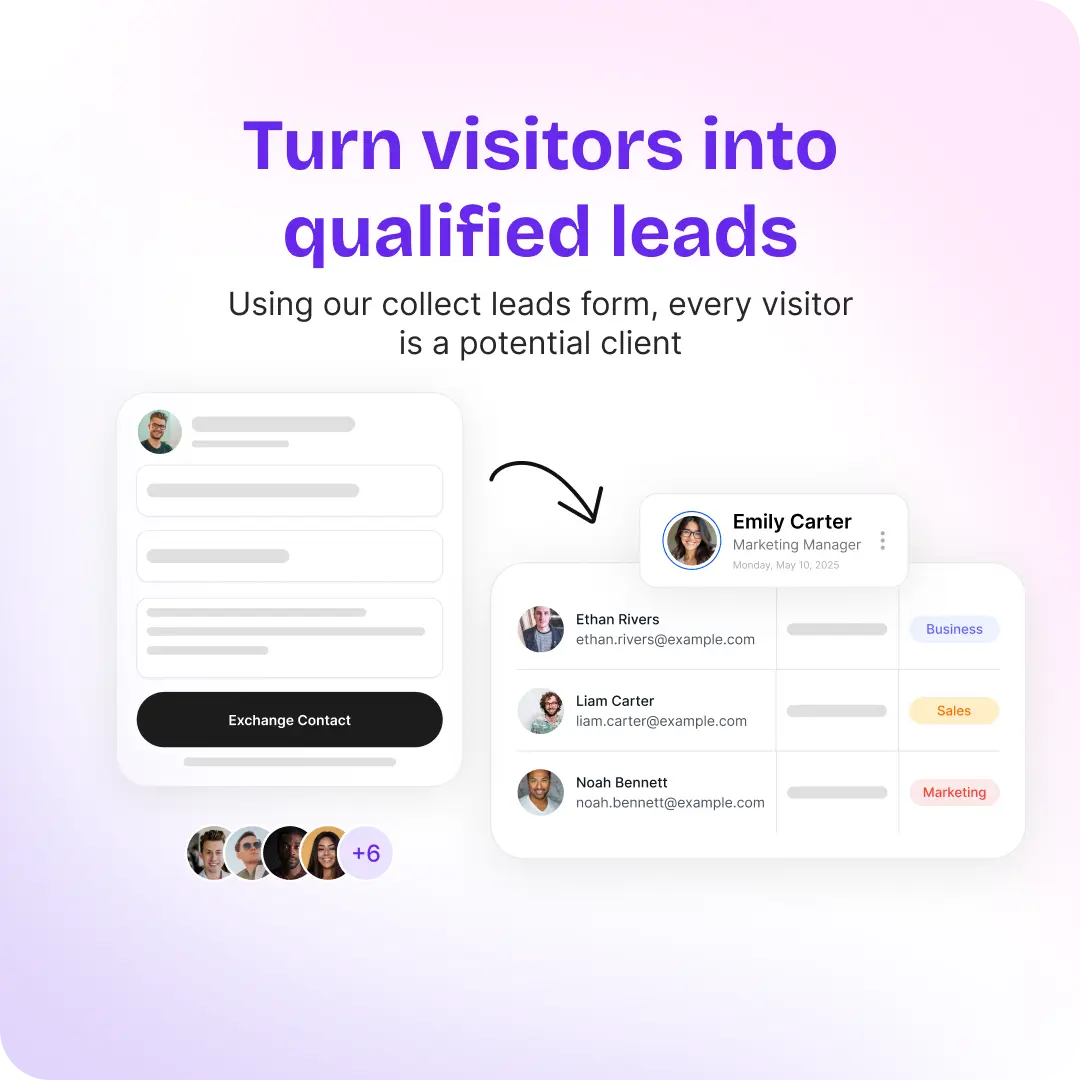
Every interaction counts, as one misplaced business card can mean a lost opportunity, a delayed follow-up, or even a deal slipping through your fingers. Traditional paper business cards, while familiar, are no longer enough for modern sales teams. They get forgotten, lost, or buried in drawers, and the leads on them go with them.
Enter digital business cards with CRM integration. With a tap or a QR code scan, a rep shares their profile, the other person leaves their details, and the contact goes straight into your CRM. Nobody types a business card into a spreadsheet.
It’s not just about going paperless. It’s about every contact a rep collects ending up in the system your team already works from.
The Problem with Traditional Lead Capture for Sales Teams
Many sales teams still rely on paper cards and manual entry after events. The consequences are familiar:
- Lost or forgotten cards: Valuable prospects vanish without a trace.
- Manual data entry: Time-consuming, error-prone, and frustrating for sales reps.
- Delayed follow-ups: Waiting to input contacts can mean losing the chance to close a deal.
- Lack of tracking: Managers have no insight into which reps are performing or which leads are worth calling first.
Handing out cards was never the hard part. Getting what happened at the stand into your sales workflow is.
For companies looking to scale networking beyond sales teams, explore how NFC Business Cards for Companies turn introductions into measurable growth.
Why Digital Business Cards with CRM Integration Matter for Sales Teams
A digital business card is more than a digital replica of a paper one. Paired with CRM integration, it becomes the front door of your pipeline:
- CRM sync – Every new contact is pushed into your CRM, whether it’s HubSpot, Salesforce, Zoho, Pipedrive, Odoo or Veeva Vault. No spreadsheets, no manual input.
- Clear ownership – The record lands under the rep who captured it, so nobody argues later about whose lead it was.
- Data accuracy – When the other person types their own details into a short form, there’s nothing to misread.
- Insight for managers – See which reps are capturing leads and which leads score highest, instead of waiting for a recap email.
If you’re managing a team and want a broader overview, read our Ultimate Guide to Digital Business Cards for Teams.
What to Check Before Choosing a Digital Business Card with CRM Integration
Most tools say they “integrate with your CRM.” The details decide whether your team trusts the data a month later. Ask these before you sign anything:
- Is your CRM supported natively? A native connection is easier to keep healthy than a chain of automations. If yours isn’t on the list, check for a Zapier connection.
- What record does a captured person become? Someone met at a booth is usually a lead, not a contact. Find out whether the tool creates a Lead, a Contact, or lets you choose.
- Can you map custom fields? Your form will ask things your CRM stores in its own fields: product interest, region, timeline. You need to choose where each answer lands.
- Who owns the record? The rep who met the person should own it in the CRM. Ask how the tool matches reps to CRM users and what happens when there’s no match.
- Does it work offline? Conference Wi-Fi fails exactly when everyone is exchanging contacts. Captures should queue and sync later.
- What about people who hand you a paper card? Someone always will. A scanner that reads the card into the same lead list keeps those contacts from living in a pocket.
- Can an admin export everything? You’ll want a single file of every contact the team captured, for a tool you don’t integrate with or for a quick event recap.
- Does the conversation reach the CRM too? A name and an email are only half of a lead. Notes, meeting summaries and next steps are what make the follow-up call useful.
Is There a Better Way Than Typing Business Cards into the CRM?
Yes. Manual entry is slow because it happens late, in a batch, from memory. Two things fix it. First, let the other person enter their own details: share your profile by tap or QR code and they fill in a short lead capture form on their phone. Second, when someone hands you a paper card anyway, scan it on the spot, check what the scanner read, and save it to the same lead list. Either way the contact syncs to the CRM without anyone retyping it. We go deeper on what a scanned card actually sends in Business card scanner to CRM.
Tap Teams: CRM-Integrated Digital Business Cards for Sales Teams
Here’s how Tap Teams covers the checklist above.
Lead capture by tap, QR or scan
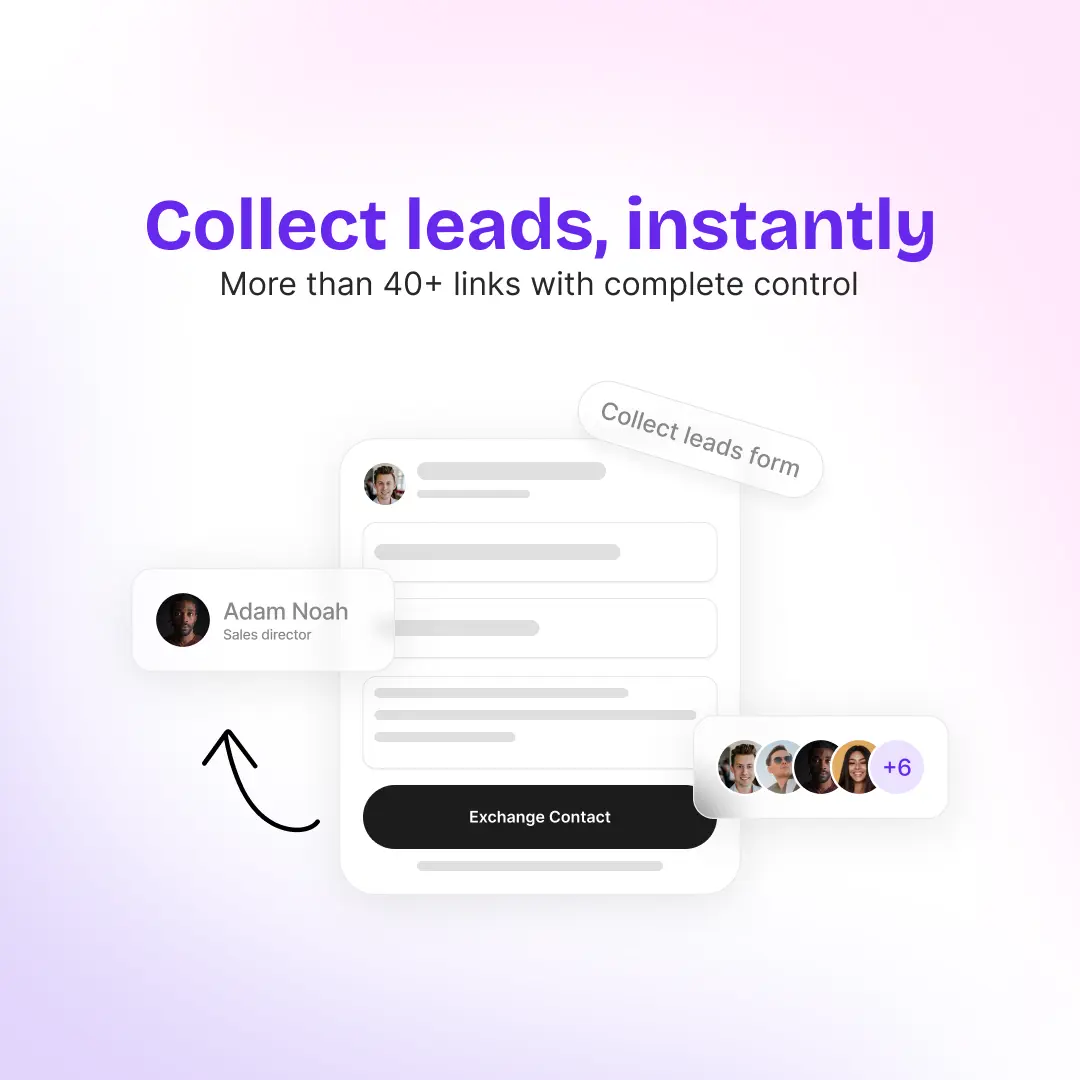
Reps share their profile with a tap via NFC or a QR code scan. The other person doesn’t install anything; they see the profile in their browser and fill in your capture form. If someone hands over a paper card or wears an event badge, the rep scans it in the app instead. Captures made offline sync once the phone reconnects.
Native CRM integration
Tap connects natively to HubSpot, Salesforce, Zoho, Pipedrive, Veeva Vault and Odoo, and reaches other tools through Zapier. In Salesforce and Zoho the captured person becomes a Lead, in HubSpot a Contact, in Pipedrive a Person plus a Lead in the Leads Inbox, and in Odoo you choose. You map each capture field to the CRM field it belongs in. See all of them on our integrations page.
The rep owns the record
Tap assigns the CRM record to the user whose email matches the rep who captured the lead. If there’s no match, the record still syncs, under your CRM’s default owner.
Meetings and follow-ups
Reps can record the meeting that follows. Its summary reaches the CRM with the lead, and action items arrive as tasks on the lead’s record.
Central control for admins
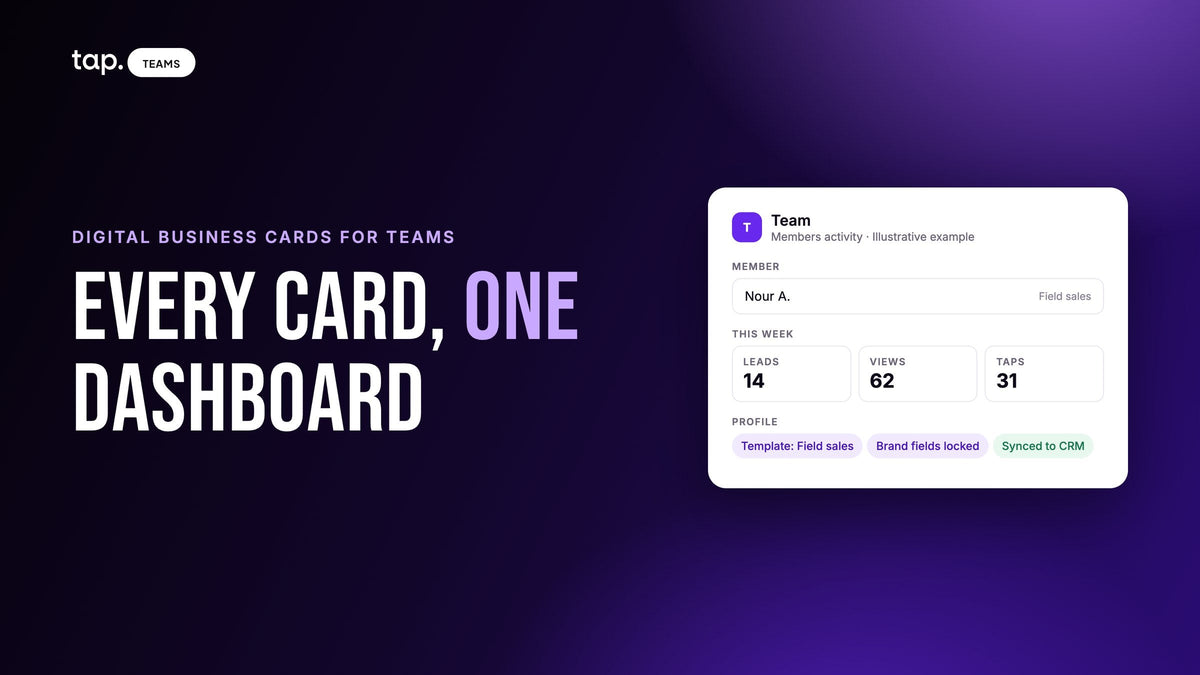
Every team member gets a branded digital profile, managed centrally in Tap Teams. Admins can filter the team’s leads and export them to a single spreadsheet.
Track engagement
Profile views and link clicks are tracked, and every captured lead gets a quality score, so managers can see which leads to call first.
Real-World Use Cases
Trade Shows & Events
Instead of distributing hundreds of paper cards, reps let visitors tap or scan and fill in a short form. Contacts reach the CRM without a week of data entry after the show.
Field Sales Teams
Reps on the move capture contacts at any location. When they’re back online, every lead syncs automatically.
B2B Meetings
Forget the post-meeting scramble. Exchange contact info digitally, record the conversation, and the summary and next steps are on the lead before you’re back at your desk.
Benefits of Digital Business Cards for Teams
- Faster follow-up – The contact is in the CRM the same day, not after the event backlog clears.
- Improved data quality – People type their own details, and scans are checked before they’re saved.
- Centralized management – Admins manage every profile, keeping branding consistent and information current.
- Less paper – Fewer cards printed and thrown away.
- Scales with the team – Add members one by one or import a whole team from a CSV file.
Step-by-Step: How to Launch Tap Teams
- Create your workspace – Set up your team’s account.
- Connect your CRM – Authorize it, map your fields, and test with one lead before your first event.
- Design branded profiles – Add logos, photos, and links.
- Add your team – One by one, or by CSV import.
- Start capturing leads – Follow up, track scores, and see which reps are closing the loop.
Conclusion
Digital business cards with CRM integration matter for one reason: the contacts your reps collect end up in your CRM, under the right owner, with the conversation attached. Check the details above before you choose a tool.
Want to see it with your own CRM? Explore Tap Teams, or book a 30-minute demo.
FAQs
Which CRMs does Tap Teams integrate with?
HubSpot, Salesforce, Zoho, Pipedrive, Veeva Vault and Odoo natively, plus Zapier for other tools. Details for each are in the integrations docs.
Can administrators export all contacts captured by reps into a single CSV?
Yes. In Tap Teams an admin can export the team’s leads to one spreadsheet. The export follows your active filters, so you can export everything or just one event, department or rep. Capture fields that aren’t mapped to your CRM are still included.
Manual business card entry into a CRM takes so long. Is there a better way?
Let people enter their own details through your lead capture form after a tap or QR scan, and scan any paper cards you’re handed, checking what the scanner read before you save. Both sync to the CRM without retyping.
How do NFC digital business cards integrate with a CRM?
The NFC card or QR code opens the rep’s profile on the other person’s phone. They fill in the capture form, and the platform sends that lead to the CRM connected to your team, using the field mapping you set up.
Can I customize the captured data?
Yes. You choose the fields on your capture form and map each one to a CRM field.
Are NFC cards compatible with all phones?
Most modern smartphones read NFC. A QR code covers the rest and works at a distance.

Leave a comment
This site is protected by hCaptcha and the hCaptcha Privacy Policy and Terms of Service apply.